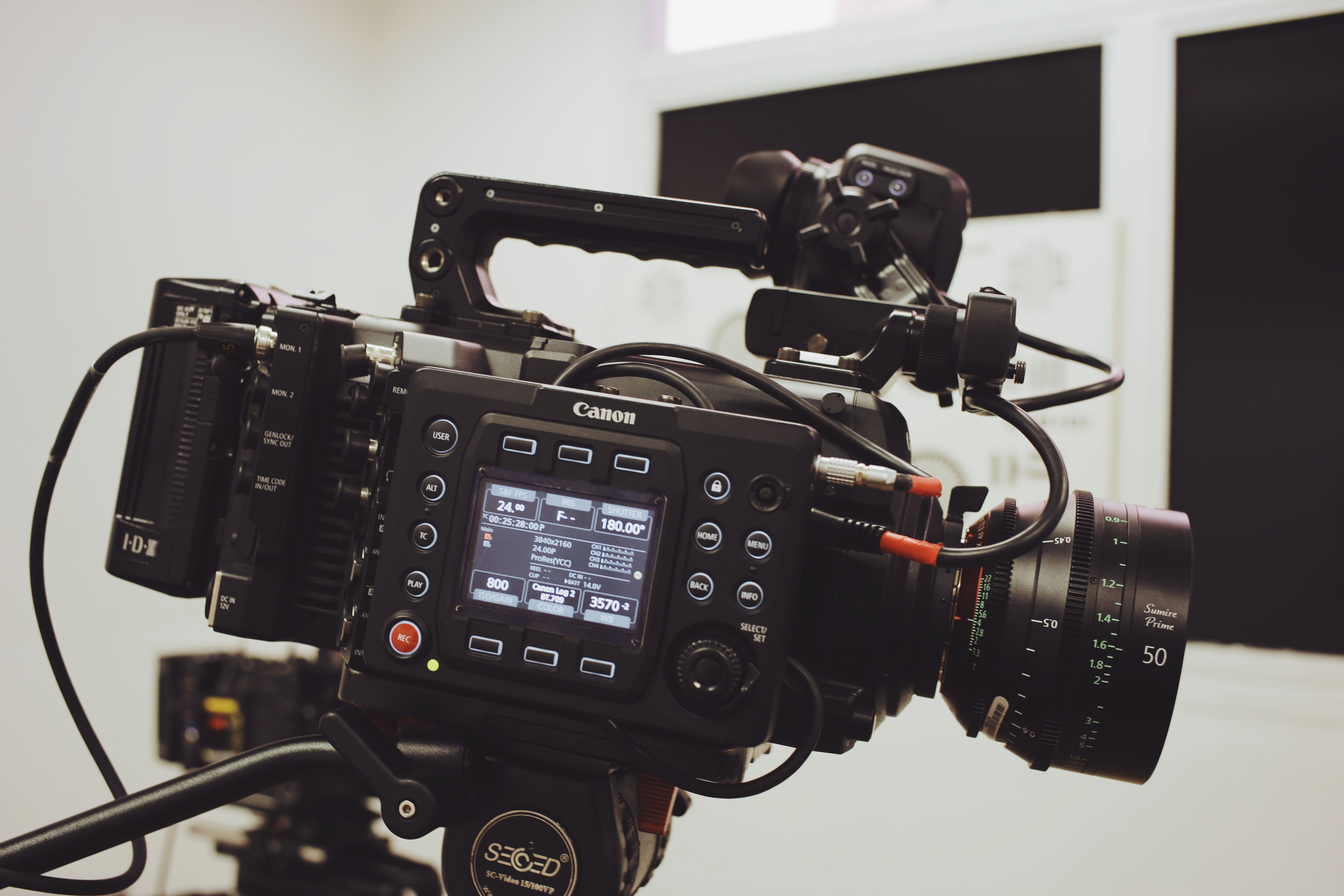
A high speed video cable is not just a basic accessory in a professional AV system. It directly affects image stability, signal integrity, equipment compatibility, and the reliability of the entire workflow. For filmmakers, broadcast teams, rental houses, system integrators, and industrial vision users, a weak cable can cause signal dropouts, flickering monitors, unstable recording, delayed troubleshooting, or even failed production work.
As video formats move toward 4K, 8K, higher frame rates, HDR, and low-latency monitoring, buyers need more than a cable that “fits the connector.” They need a cable engineered for bandwidth, shielding, mechanical durability, connector alignment, and real field use.
This guide explains how to choose the right high speed video cable for professional AV systems and when a custom solution from Alvin’s Cables can help improve reliability in demanding production environments.
Quick Answer: What Is a High Speed Video Cable?
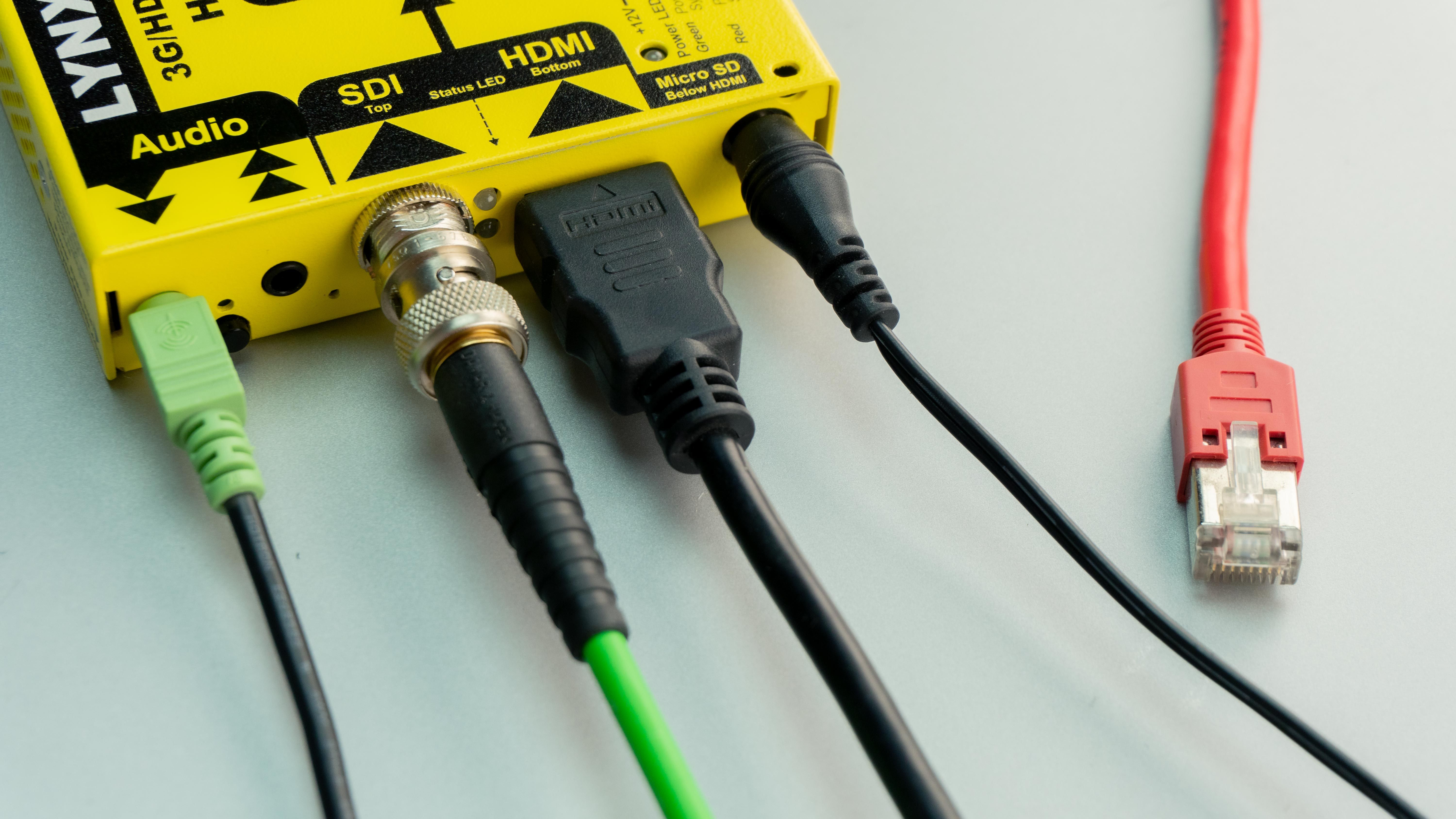
A high speed video cable is designed to transmit high-bandwidth video signals between cameras, monitors, recorders, switchers, transmitters, industrial cameras, or display systems. Depending on the workflow, it may include HDMI, SDI, BNC, USB-C, or custom connector configurations.
For professional buyers, the most important factors are:
- Required resolution and frame rate
- Signal standard, such as HDMI, SDI, or data transmission
- Cable length and routing path
- Shielding and EMI resistance
- Connector type and orientation
- Flexibility for handheld or rig-mounted use
- Durability under repeated bending and setup changes
- Compatibility with cameras, monitors, recorders, and accessories
A good cable should not only support the signal on paper. It should perform reliably in the real working environment.
Who Needs High Speed Video Cables?
Different buyers search for high speed video cable solutions for different reasons. Understanding the user scenario helps avoid choosing the wrong product.
| Buyer Type | Main Need | Common Application |
|---|---|---|
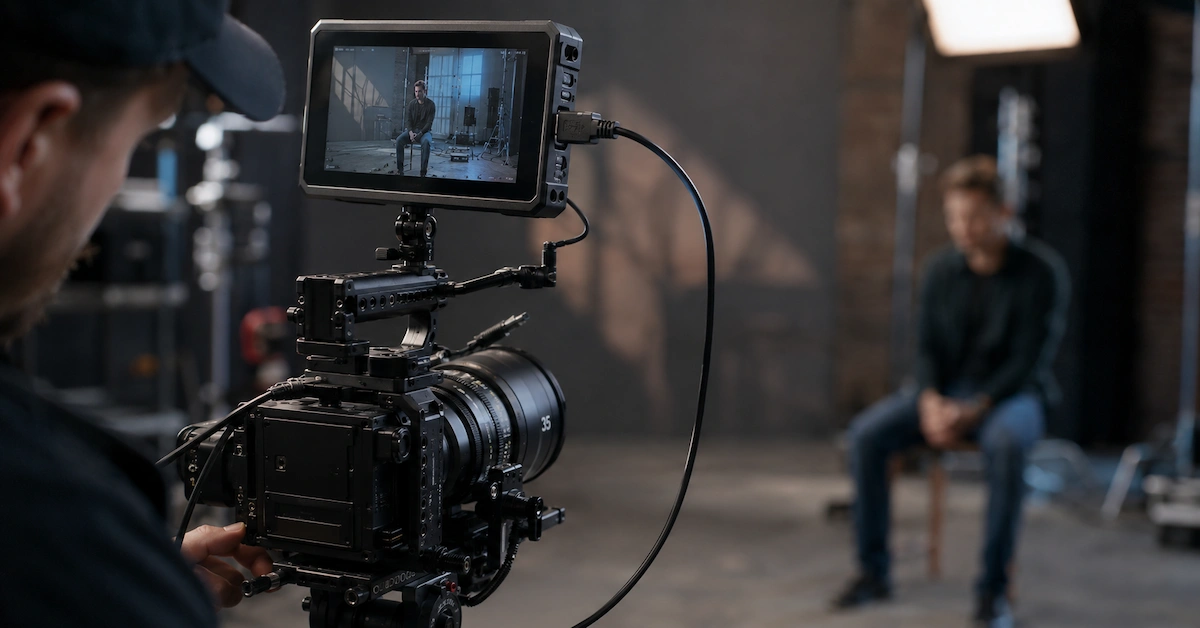
| Cinematographers | Stable camera-to-monitor transmission | On-camera monitors, EVF, recorders |
| Broadcast teams | Reliable long-duration video signal | Live production, studio systems, mobile broadcast |
| Rental houses | Durable cables for repeated use | Camera kits, monitor kits, video village kits |
| AV system integrators | Stable compatibility across devices | Control rooms, production studios, event systems |
| Industrial vision users | Signal stability and mechanical reliability | Machine vision, inspection cameras, automation |
| Equipment brands | Custom cable development | OEM accessory kits, private label cable sets |
| Content creators | Compact and flexible cable routing | DSLR, mirrorless, compact cinema rigs |
For these users, the cable is part of the production system, not a disposable accessory.
Why Video Cable Quality Matters in Professional Workflows
Video signal failure is often difficult to diagnose on set. A monitor may flicker, a recorder may lose signal, or a switcher may fail to recognize the input. The issue may look like a camera problem, a monitor problem, or a firmware issue, but the cable is often the weakest link.
A high speed video cable must manage both electrical performance and mechanical stress. In professional use, cables are bent, pulled, packed, unpacked, rotated, and connected many times. A cable that works in a short test may fail after repeated rig changes.
Common cable-related problems include:
- Signal loss at higher resolution or frame rate
- Loose connection caused by poor connector tolerance
- Interference from nearby wireless devices or power cables
- Connector damage due to repeated bending
- Cable clutter around camera cages and handheld rigs
- Incompatible connector angle or cable length
- Poor shielding in complex AV environments
This is why professional buyers should evaluate cable construction, not only connector type.
Key Technical Factors to Check Before Buying
1. Bandwidth and Video Standard
The first question is simple: what signal does the cable need to carry?
A cable used for basic HD monitoring does not have the same requirement as a cable used for 4K, 8K, high frame rate, HDR, or professional broadcast transmission. HDMI, SDI, and other video standards have different bandwidth requirements, connector structures, and cable length limitations.
For example, HDMI workflows may require Ultra High Speed performance for 4K or 8K applications. SDI workflows may use 3G-SDI, 6G-SDI, or 12G-SDI depending on the resolution and frame rate. Industrial vision systems may prioritize stable data transmission, shielding, and connector reliability.
Buyers should confirm the signal format before choosing the cable.
2. Connector Type and Orientation
A high speed video cable must match the exact device interface. Common connector types include:
- HDMI
- Micro HDMI
- Mini HDMI
- BNC
- SDI
- USB-C
- LEMO-style connectors
- Custom circular connectors
- Device-specific video and data connectors
Connector orientation is also important. A straight connector may work on a desk setup, but a right-angle connector may be better for a compact camera cage, monitor mount, or handheld rig. Incorrect connector direction can increase stress on the port and shorten cable life.
Alvin’s Cables supports custom connector types, orientations, and pin configurations through its custom cable solutions, helping buyers match specific equipment layouts and production workflows.
3. Cable Length and Routing
Longer is not always better. A cable that is too long creates clutter, increases the risk of tangling, and may affect signal performance. A cable that is too short creates pulling force on the connector.
Professional buyers should consider:
- Camera-to-monitor distance
- Recorder mounting position
- Cable path around cages or handles
- Whether the setup is handheld, tripod-mounted, or studio-based
- Whether the cable needs to bend repeatedly
- Whether a coiled cable or straight cable is more suitable
For camera rigs, clean routing is especially important. A custom-length high speed video cable can improve ergonomics and reduce connector stress.
4. Shielding and Signal Stability
High-bandwidth video signals are more sensitive to interference, especially in production environments with wireless transmitters, power cables, LED panels, audio gear, and multiple electronic devices.
Shielding helps protect signal integrity and reduce electromagnetic interference. For broadcast, studio, and industrial environments, shielding should be considered a core specification rather than an optional feature.
If the cable will be used near power distribution systems, wireless video transmitters, motors, or industrial machines, buyers should discuss shielding requirements before placing an order.
5. Flexibility and Bend Resistance
A cable used on a handheld camera rig must move with the operator. A cable used in a studio may remain fixed for long periods. A cable used by a rental house may be bent and packed repeatedly by different teams.
Flexible jacket material can reduce stiffness, improve handling, and prevent cable memory issues. Reinforced strain relief helps protect the connection point where many cable failures begin.
For high-frequency use, flexibility and durability are just as important as signal performance.
High Speed Video Cable Comparison
| Cable Type | Common Use | Strengths | Best For | Risk If Poor Quality |
| HDMI Cable | Camera to monitor, recorder, display | Compact, common, supports high-resolution workflows | Mirrorless cameras, monitors, recorders | Signal dropouts, weak connector fit |
| SDI / BNC Cable | Broadcast and cinema systems | Locking connector, stable professional video transmission | Broadcast, cinema cameras, switchers | Signal loss, poor shielding, connector wear |
| USB-C Video Cable | Video, data, and power in some workflows | Multi-function and compact | Modern monitors, capture devices, compact systems | Compatibility confusion, bandwidth mismatch |
| Custom Video Cable | Device-specific AV setups | Optimized length, connector direction, shielding | Camera rigs, OEM kits, special workflows | Higher risk if supplier lacks engineering support |
| Industrial Video Cable | Machine vision and automation | Stable signal, mechanical reliability | Inspection systems, industrial cameras | Downtime, unstable image transmission |
How to Choose the Right High Speed Video Cable Supplier
A professional cable supplier should do more than sell standard SKUs. For B2B buyers, the supplier should understand equipment compatibility, connector details, signal requirements, and usage environment.
When choosing a supplier, ask these questions:
- Can the supplier support custom cable length?
- Can connector orientation be adjusted?
- Can the supplier match camera, monitor, or recorder models?
- Is shielding available for high-interference environments?
- Are the connectors tested for repeated use?
- Is the cable suitable for handheld, studio, broadcast, or industrial use?
- Can low-volume prototypes be produced before bulk orders?
- Is there technical support for unusual equipment setups?
Alvin’s Cables focuses on professional cable and connector solutions for film, broadcast, photography, and industrial applications. Buyers can explore the Alvin’s Cables product center for standard options or submit special requirements through custom cable solutions.
Custom High Speed Video Cable Solutions
Standard cables are useful when the setup is simple. Custom cables become more valuable when the workflow includes special camera cages, compact monitors, unusual mounting positions, tight routing paths, or brand-specific equipment.
A custom high speed video cable can be designed around:
- Connector type
- Connector angle
- Pin configuration
- Cable length
- Cable jacket material
- Flexibility requirement
- Shielding requirement
- Strain relief
- Device model compatibility
- Production environment
For example, a rental house may need durable video cables for Blackmagic, RED, ARRI, or Sony camera kits. A filmmaker may need a short right-angle HDMI cable for a compact monitor. An industrial customer may need a shielded video cable for machine vision equipment. An equipment brand may need custom cable sets for OEM accessory packaging.
In these cases, custom engineering helps reduce risk and improve user experience.
Quality Control: What Professional Buyers Should Look For
High speed video cables should be inspected beyond appearance. A cable may look clean from the outside but still fail because of poor soldering, weak shielding, unstable connector alignment, or insufficient strain relief.
Professional buyers should pay attention to:
- Connector fit and tolerance
- Soldering consistency
- Shielding integrity
- Cable jacket durability
- Bend resistance
- Contact quality
- Pull resistance
- Signal stability
- Long-term usability
Alvin’s Cables emphasizes precision manufacturing, connector alignment, soldering quality, shielding integrity, and mechanical reinforcement. This makes the cable more suitable for real-world use in studios, field production, handheld rigs, and professional AV environments.
Cost and Risk: Why the Cheapest Cable May Be Expensive
For professional users, cable cost should be measured against production risk. A low-cost cable may save a few dollars, but a failed signal during a shoot, broadcast, event, or inspection process can cost much more.
The real cost of a poor cable may include:
- Production delays
- Re-shooting time
- Lost footage
- Unstable monitoring
- Equipment troubleshooting
- Replacement purchases
- Customer complaints
- Downtime in industrial systems
A reliable high speed video cable helps reduce these hidden risks. For B2B buyers, especially rental companies and integrators, durability and consistency are often more important than the lowest unit price.
Application Scenarios
Film and Cinema Production
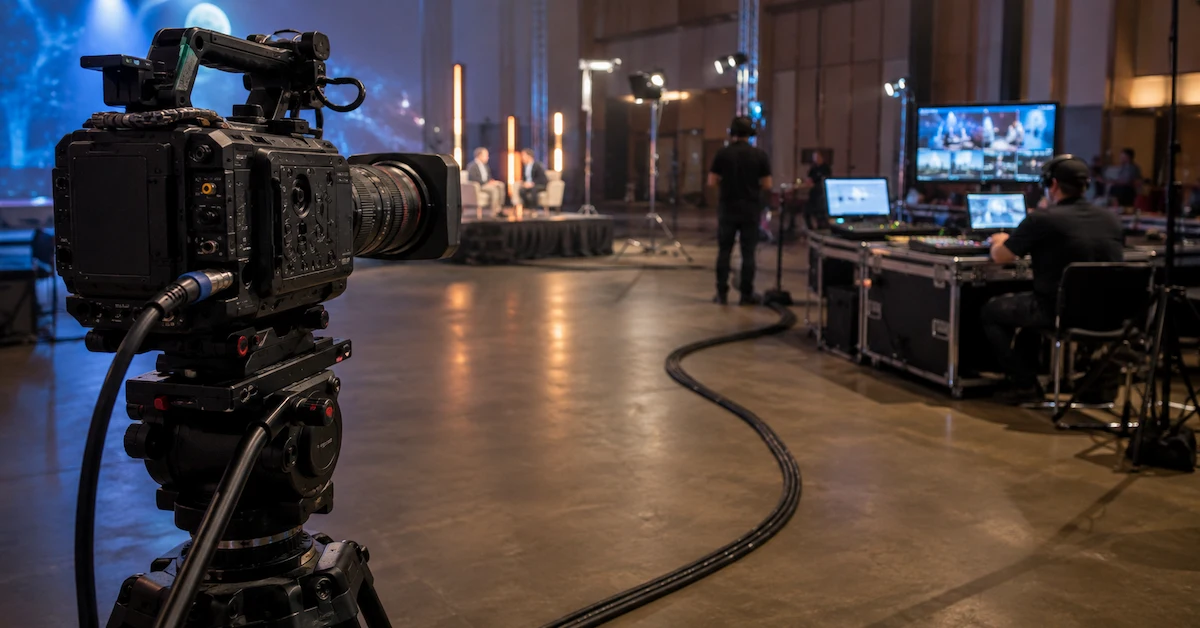
Cinema production often requires cameras, monitors, recorders, wireless video systems, and focus control accessories to work together. A stable cable supports clean monitoring and reduces on-set troubleshooting.
Broadcast and Live Production
Live environments require stable transmission over long working hours. Cable failure during a live event can interrupt the entire production chain.
Camera Rig and Handheld Setups
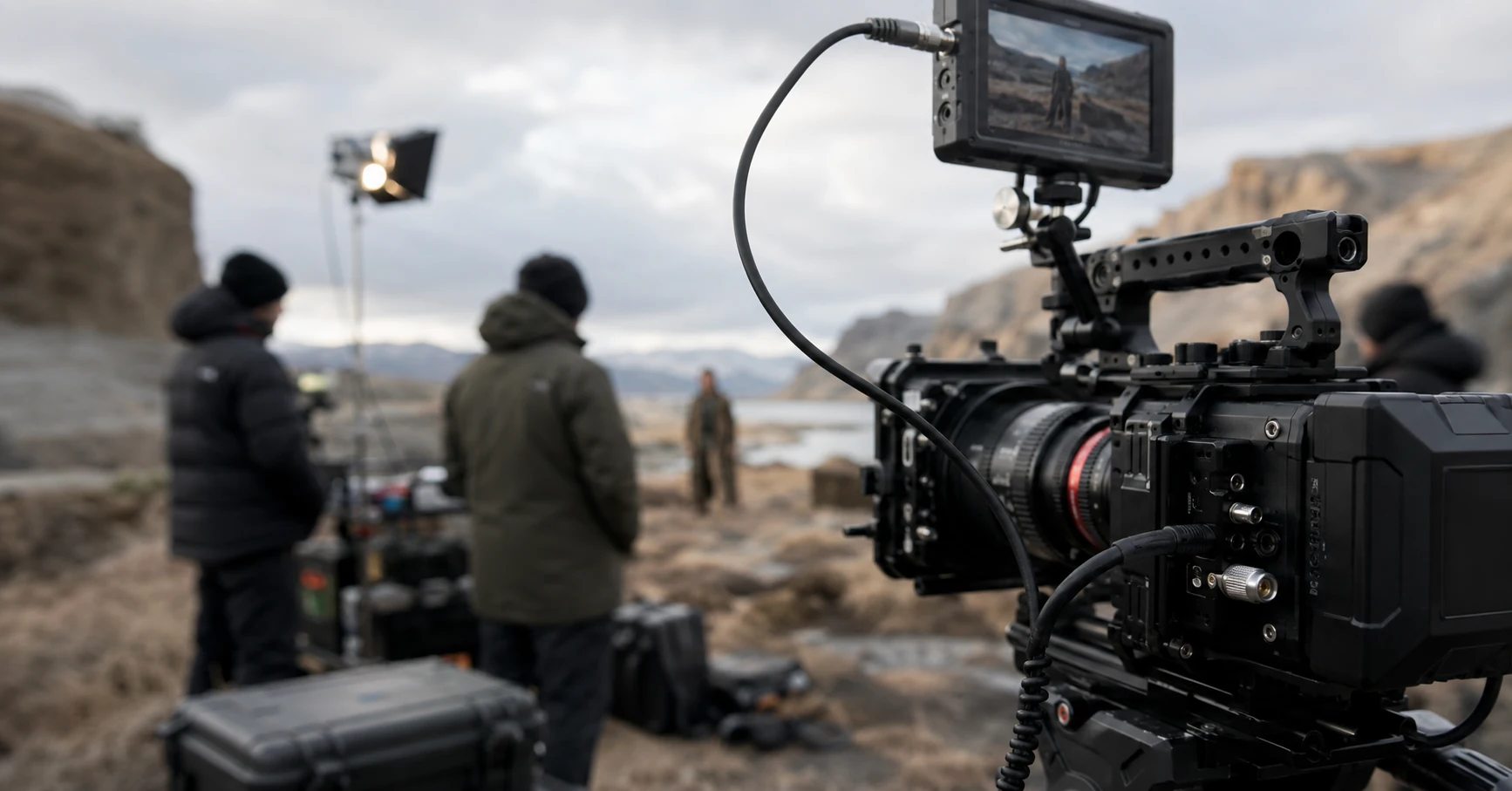
Compact camera cages require short, flexible, and correctly angled cables. The wrong cable can interfere with handles, monitor mounts, or operator movement.
Rental Houses
Rental houses need cables that can survive repeated packing, unpacking, bending, and connection cycles. Durability and compatibility are key.
Industrial Machine Vision
Machine vision systems require stable image transmission in demanding environments. Shielding, connector reliability, and mechanical strength are important for long-term operation.
Internal Links for Buyers
Buyers who want to understand Alvin’s Cables’ professional background can visit the About Alvin’s Cables page. For available cable products, explore the product center. For special connector, length, shielding, or rig requirements, submit details through custom cable solutions. If you are ready to discuss a project, use the request a quote page. For lead time, custom orders, shipping, and support questions, visit the FAQ page.
FAQ
1. What is a high speed video cable used for?
A high speed video cable is used to transmit high-bandwidth video signals between cameras, monitors, recorders, switchers, displays, or industrial vision devices.
2. Is HDMI or SDI better for professional video?
It depends on the workflow. HDMI is common for compact cameras and monitors, while SDI is often preferred in broadcast and cinema environments because of its locking BNC connection and professional video transmission design.
3. Can I customize the length of a video cable?
Yes. Custom cable length is useful for camera rigs, monitor setups, rental kits, and clean cable routing. Alvin’s Cables can support custom cable configurations based on device requirements.
Conclusion
Choosing a high speed video cable is not only about finding the right connector. Professional buyers must consider bandwidth, shielding, flexibility, connector orientation, cable length, strain relief, and real-world durability.
For cameras, monitors, broadcast systems, rental kits, and industrial vision equipment, a reliable cable can reduce signal problems, protect equipment ports, and improve workflow efficiency. Alvin’s Cables provides both standard products and custom cable solutions for professional AV users who need stable performance in demanding environments.
For special cable requirements, connector combinations, or production workflows, contact Alvin’s Cables to discuss a custom solution.