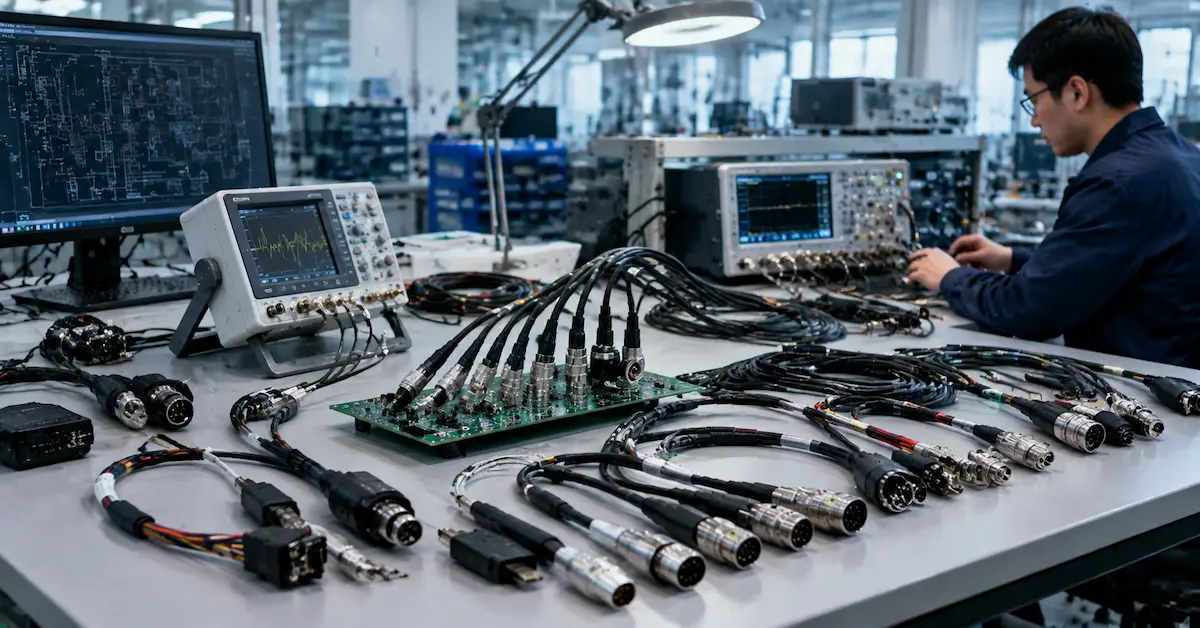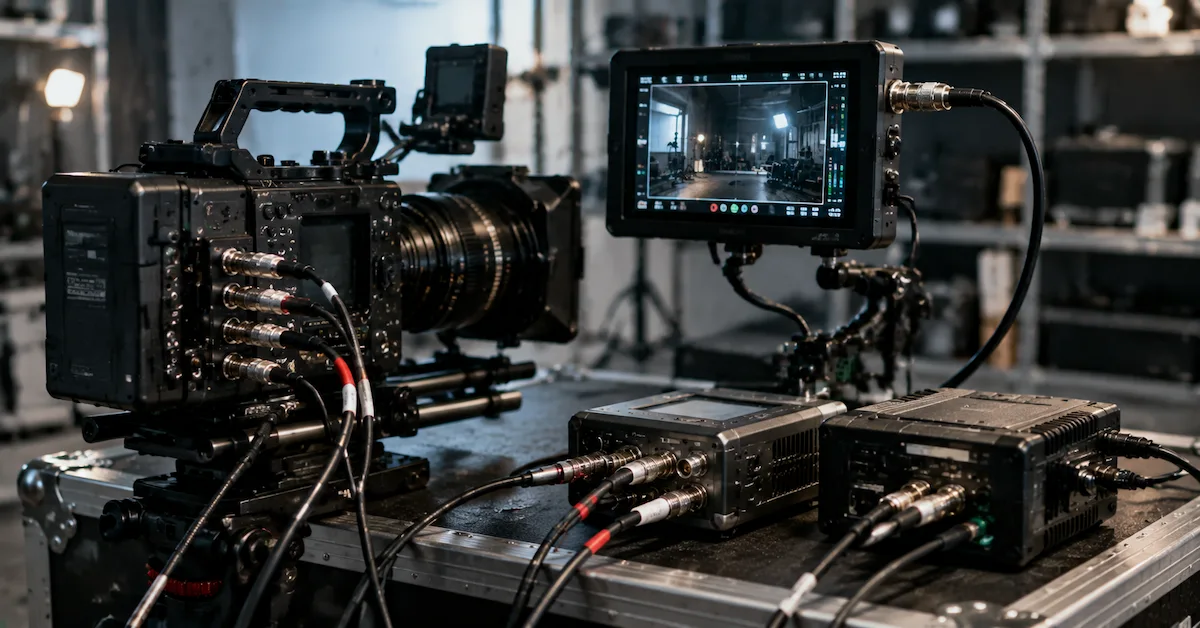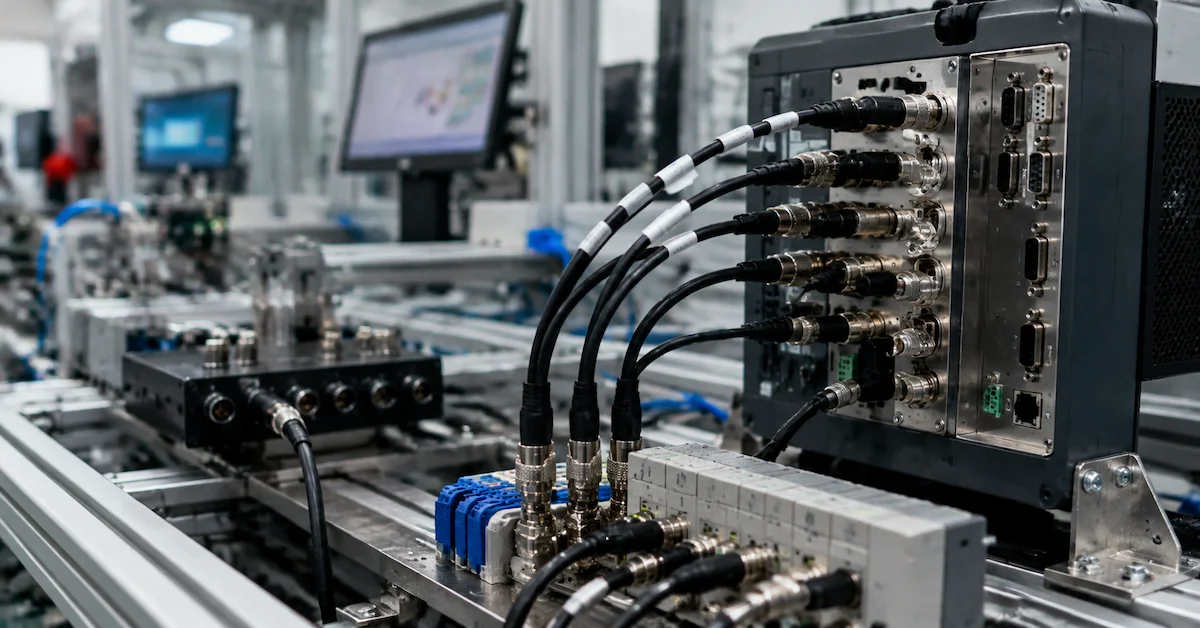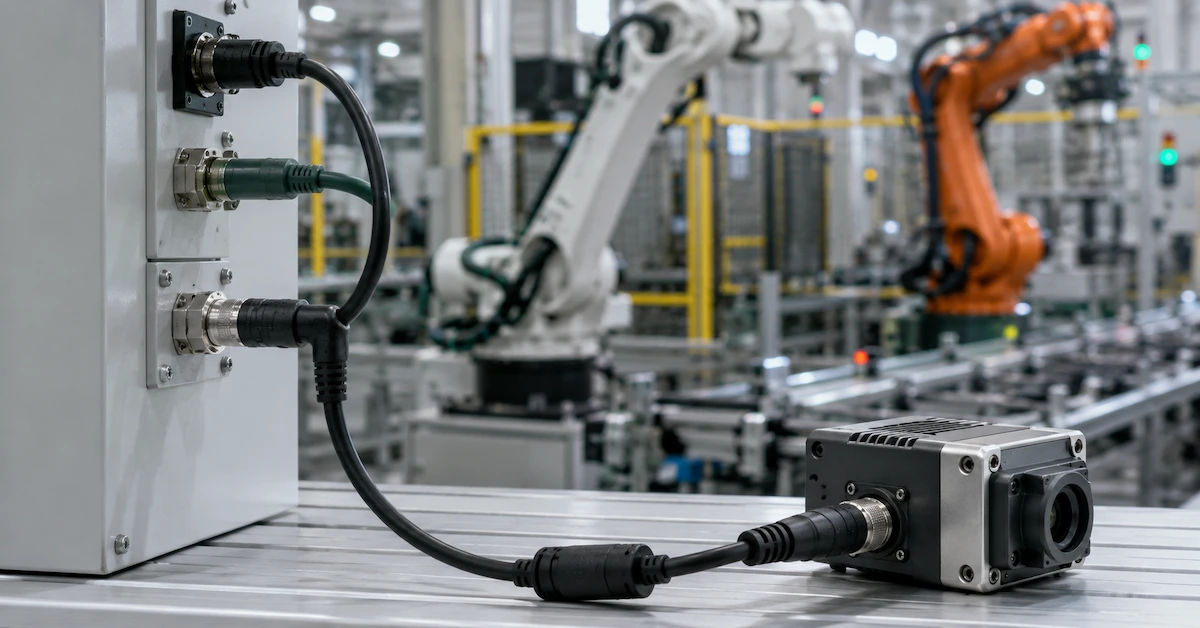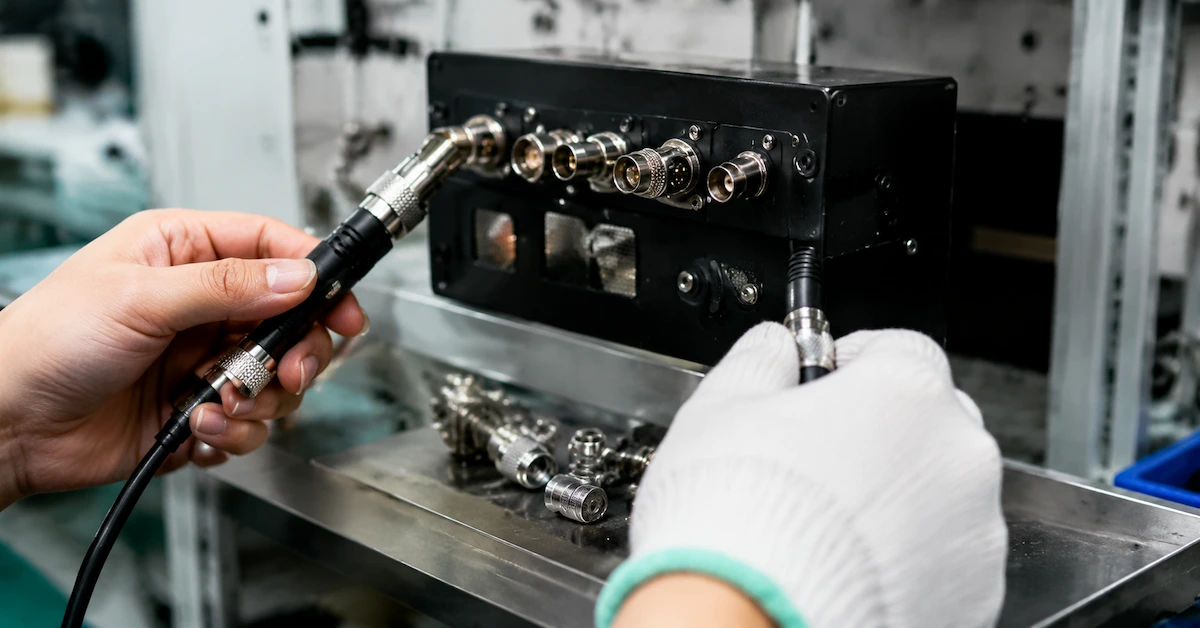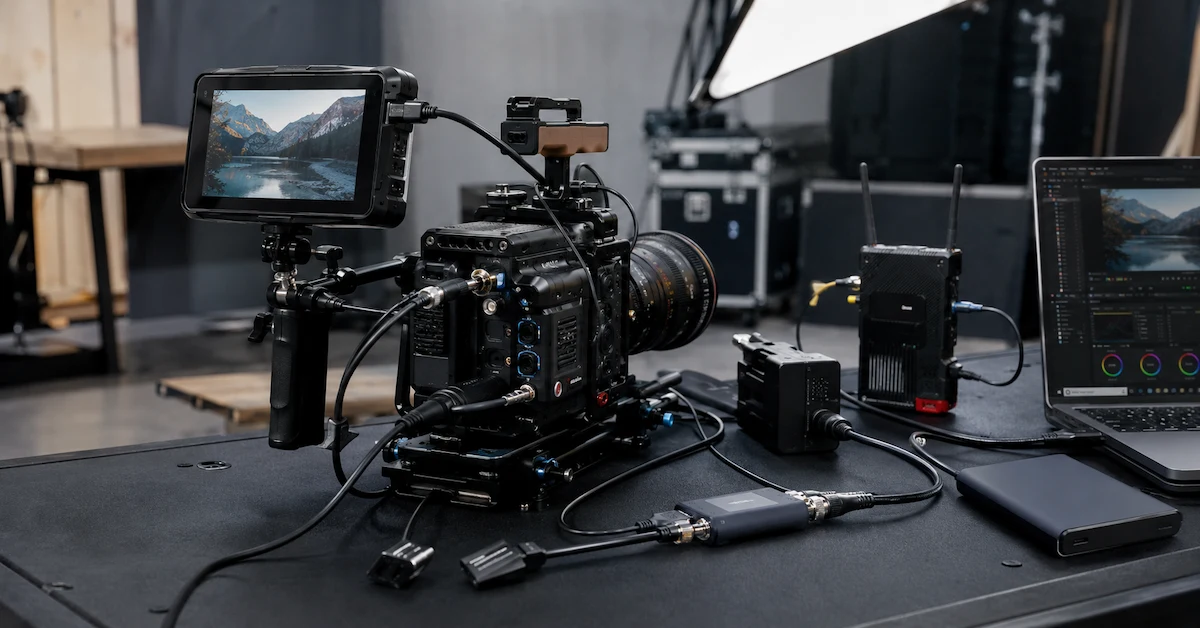
A LEMO to BNC cable provides a compact and secure connection between professional cameras, timecode devices, synchronization equipment, monitors, recorders, and broadcast systems.
Although the connector combination appears straightforward, a LEMO to BNC cable is not automatically compatible with every device. LEMO connectors are available in different series, shell sizes, keying options, pin counts, and wiring configurations. BNC connectors may carry timecode, genlock, reference, analog video, SDI, or another equipment-specific signal.
For professional buyers, the cable must therefore be designed around the complete application—not only the connector shape.
An incorrectly specified cable may physically connect while still producing:
- No timecode signal
- Failed camera synchronization
- Intermittent video
- Reversed input and output
- Incorrect grounding
- Signal reflections
- Equipment communication failure
- Connector or port damage
Film crews, broadcast engineers, rental houses, camera accessory brands, AV integrators, and distributors should confirm the connector and signal specifications before placing an order.
Quick Answer: What Is a LEMO to BNC Cable?
A LEMO to BNC cable connects a locking circular LEMO interface to a bayonet-style BNC interface.
Depending on the connected equipment, it may be used for:
- Timecode input
- Timecode output
- Genlock or reference sync
- Camera synchronization
- Video transmission
- SDI transmission when supported
- Multi-channel breakout connections
- Equipment-specific control or signal routing
A reliable cable should match:
- The exact LEMO connector series
- Pin count and keying
- Connector gender
- Equipment pinout
- BNC signal direction
- Required impedance
- Cable length
- Shielding and grounding method
A connector that fits mechanically does not guarantee electrical compatibility.
Why LEMO to BNC Cables Are Used in Professional Workflows
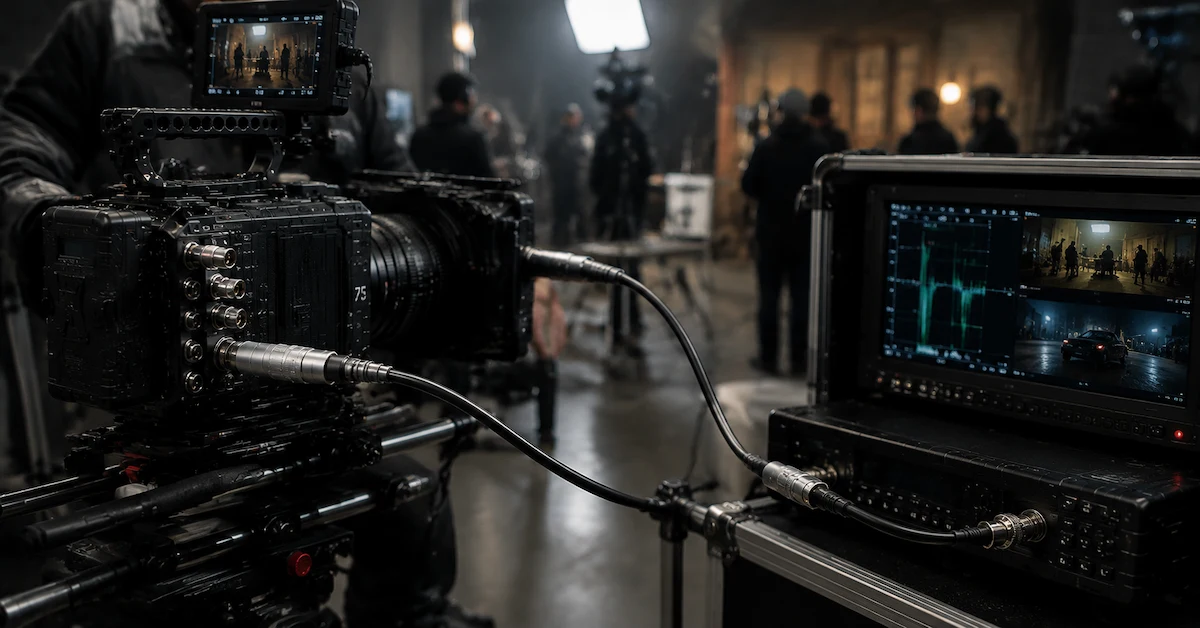
Professional cameras and broadcast devices often use locking circular connectors because they provide compact size, secure mating, accurate alignment, and resistance to accidental disconnection.
BNC connectors are widely used for professional video, timecode, synchronization, and reference signals because their bayonet locking system is fast and dependable.
A custom LEMO to BNC cable combines these two interface types for workflows such as:
- Camera-to-timecode generator connections
- Camera synchronization
- Genlock distribution
- Recorder and camera timecode integration
- Broadcast reference signal routing
- DIT and video-assist systems
- Rental camera packages
- Multi-camera production
The exact cable construction depends on what signal the equipment sends through the LEMO connector.
Common LEMO to BNC Cable Configurations
| Cable Configuration | Typical Application | Critical Requirement |
|---|---|---|
| 5-Pin LEMO to BNC | Camera timecode input or output | Correct pinout and signal direction |
| LEMO to Dual BNC | Separate timecode input and output | Clearly identified BNC branches |
| LEMO to BNC Genlock Cable | Camera synchronization | Reference-signal compatibility |
| LEMO to BNC Video Cable | Equipment-specific video output | Signal standard and impedance |
| Multi-Pin LEMO to BNC Breakout | Multiple signals from one port | Complete wiring diagram |
| Right-Angle LEMO to BNC | Compact camera rigs | Correct connector exit direction |
| Custom-Length LEMO to BNC | Studio, cart, or camera installation | Signal integrity and routing |
These configurations are examples only. Buyers should verify the equipment manuals or provide an approved cable sample.
LEMO Connector Details Buyers Must Confirm
“LEMO connector” is not a complete technical specification. Before manufacturing, buyers should identify the exact connector.
Important details include:
- Connector series
- Shell size
- Number of pins
- Male or female contacts
- Plug or receptacle type
- Keying position
- Straight or right-angle housing
- Push-pull locking configuration
- Device-side panel connector
- Manufacturer part number when available
Two connectors may look similar but use different keying or pin arrangements.
Providing clear photographs of the equipment port is helpful, but photographs should not replace a verified connector part number or equipment specification when available.
Pinout Is More Important Than Connector Appearance
The pinout determines which contact carries each signal and ground connection.
For example, a multi-pin LEMO interface may include:
- Timecode input
- Timecode output
- Ground
- Reference signal
- Power
- Communication
- Equipment-specific functions
Connecting the wrong pin to the BNC center contact or shield may prevent operation or create equipment risk.
A professional manufacturer should verify the pinout through one or more of the following:
- Equipment manual
- Manufacturer wiring diagram
- Existing approved cable
- Connector datasheet
- Continuity testing
- Buyer-provided schematic
Buyers should avoid ordering a cable based only on phrases such as “5-pin LEMO to BNC.” Different devices can use the same connector format with different wiring.
Timecode Input and Output Must Be Identified
Timecode cables are a common LEMO-to-BNC application, but signal direction must be confirmed.
A camera may use the LEMO connector for:
- Timecode input only
- Timecode output only
- Combined timecode input and output
- Timecode plus additional synchronization signals
A dual-BNC breakout cable may require one branch labeled for input and another for output.
When requesting a quote, state whether the cable will connect:
- Timecode generator to camera
- Camera to recorder
- Camera to slate
- Camera to another camera
- Sync box to distribution equipment
- DIT cart to camera system
This information helps prevent reversed signal routing.
Genlock, Reference, and Video Are Not the Same Signal
A BNC connector may carry several different signal types. The cable must be selected for the actual signal.
| Signal Type | Primary Purpose | Buyer Must Confirm |
| Timecode | Synchronizes recorded time references | Input/output direction and level |
| Genlock | Synchronizes camera timing | Equipment reference format |
| Reference Sync | Provides timing reference | Signal standard and termination |
| SDI Video | Carries digital video | Bandwidth and 75-ohm signal path |
| Analog Video | Carries compatible analog signal | Format and impedance |
| Equipment-Specific Signal | Manufacturer-defined function | Official wiring documentation |
A LEMO to BNC cable cannot convert one signal format into another unless the system includes active conversion electronics. A passive cable only routes compatible electrical signals between connectors.
Why 75-Ohm Impedance May Matter
Professional BNC video and synchronization systems commonly use a controlled 75-ohm signal path. For these applications, connector selection, coaxial cable construction, termination quality, and cable length can affect performance.
A poorly matched cable may contribute to:
- Signal reflections
- Intermittent synchronization
- Unstable SDI transmission
- Reduced transmission distance
- Image errors
- Failed equipment recognition
When the cable carries SDI, reference video, or another impedance-sensitive signal, buyers should specify:
- Signal standard
- Resolution and frame rate where relevant
- Required cable length
- Equipment models
- Whether the signal path must be 75 ohms
- Installation environment
Timecode and equipment-specific signals may have different requirements, so the application should always be confirmed.
Cable Length and Camera-Rig Routing
Cable length affects both usability and reliability.
A cable that is too long may:
- Create unnecessary loops
- Interfere with camera controls
- Catch on handles or accessories
- Increase setup time
- Make rental kits harder to organize
A cable that is too short may:
- Pull on the camera port
- Restrict monitor or recorder placement
- Increase connector stress
- Disconnect during camera movement
Custom lengths are useful for:
- Handheld cinema rigs
- Shoulder-mounted systems
- Camera cages
- Gimbals
- DIT carts
- Studio cameras
- Video-assist stations
- Rental equipment kits
For compact rigs, a right-angle LEMO connector may improve routing and reduce the cable’s profile.
Shielding and Grounding
Professional production environments may include wireless transmitters, battery systems, LED lighting, motors, power cables, audio equipment, monitors, and communication devices.
Suitable shielding helps protect signal integrity in electrically complex environments.
The cable design may need to consider:
- Coaxial shielding
- Overall cable shield
- Connector shell grounding
- BNC shield termination
- Drain-wire routing
- Equipment grounding requirements
- Separation from power conductors
The correct grounding method depends on the equipment specification. Improvised grounding can introduce noise or prevent the signal from functioning correctly.
Connector Durability and Strain Relief
LEMO and BNC connectors are used because they offer secure professional connections, but the complete cable assembly must also withstand repeated handling.
Important durability features include:
- Accurate connector assembly
- Strong cable-to-connector transition
- Reinforced strain relief
- Flexible cable jacket
- Pull resistance
- Bend resistance
- Secure BNC bayonet engagement
- Reliable LEMO push-pull locking
Rental houses should pay particular attention to strain relief and repeat-use durability because cables may be connected, removed, packed, shipped, and handled by different crews every week.
Standard Cable vs Custom LEMO to BNC Cable
| Factor | Standard Cable | Custom LEMO to BNC Cable |
| LEMO series | Fixed | Matched to the equipment |
| Pinout | Predefined | Wired to the verified device pinout |
| Signal type | Limited | Timecode, sync, video, or custom signal |
| Cable length | Standard options | Exact project length |
| Connector orientation | Usually fixed | Straight or right-angle |
| BNC quantity | Usually one | Single or breakout configuration |
| Labeling | Generic | Input/output and OEM identification |
| Best use | Known common equipment | Specialized and repeat-order projects |
Custom manufacturing is particularly valuable when the equipment combination is uncommon or when repeatable specifications are needed for rental, resale, or OEM use.
Who Needs Custom LEMO to BNC Cables?
| Buyer Type | Typical Requirement |
| Film production companies | Camera timecode and synchronization |
| Broadcast teams | Reference and signal routing |
| Rental houses | Durable, clearly identified cable kits |
| Camera accessory brands | OEM cable development |
| DIT teams | Camera, recorder, and sync integration |
| AV integrators | Equipment-specific connectivity |
| Distributors | Consistent replacement cable supply |
| Industrial imaging users | Custom circular-to-coaxial connections |
These buyers require verified compatibility and repeatable production quality rather than generic connector matching.
Why Choose Alvin’s Cables?
Alvin’s Cables provides professional cable solutions for photography, film, broadcast, AV, and industrial applications.
For LEMO to BNC cable projects, Alvin’s Cables can evaluate requirements involving:
- LEMO and locking circular connectors
- BNC connector assemblies
- Timecode cable configurations
- Genlock and reference connections
- Video and SDI applications
- Single or dual-BNC breakout cables
- Straight and right-angle connectors
- Custom cable lengths
- Flexible cable construction
- Reinforced strain relief
- Prototype and low-volume development
- Repeat and OEM production
Buyers can browse available products through the Alvin’s Cables product center.
For special connector, pinout, signal, length, orientation, or equipment requirements, submit the project through custom cable solutions.
Information Required for an Accurate Quote
| Required Information | Why It Matters |
| Camera or device model | Identifies the equipment interface |
| LEMO connector series | Confirms mechanical compatibility |
| Pin count and gender | Defines the connector configuration |
| Keying | Prevents incorrect connector selection |
| Pinout | Determines electrical wiring |
| Signal type | Timecode, genlock, SDI, video, or other |
| Signal direction | Confirms input, output, or bidirectional use |
| Required impedance | Important for professional video signals |
| Cable length | Supports routing and performance planning |
| Connector orientation | Prevents installation conflicts |
| Quantity | Supports prototype and production pricing |
| Packaging or labeling | Important for rental and OEM orders |
Photographs, equipment manuals, wiring diagrams, and an approved sample cable can accelerate project evaluation.
Submit this information through the request a quote page.
Common Sourcing Mistakes
Avoid these common errors:
- Ordering only by connector appearance
- Saying “LEMO” without identifying the series
- Failing to provide the pinout
- Confusing timecode with genlock
- Assuming every BNC connection carries SDI
- Ignoring input and output direction
- Using 50-ohm components in a required 75-ohm video path
- Choosing an unsuitable cable length
- Overlooking right-angle connector orientation
- Skipping prototype testing
A prototype should be tested with the actual equipment before a new custom configuration is ordered in bulk.
FAQ
What is a LEMO to BNC cable used for?
It connects compatible professional equipment for timecode, synchronization, reference, video, or equipment-specific signal routing.
Are all 5-pin LEMO to BNC cables wired the same?
No. Pinout, signal direction, connector keying, and equipment functions can differ between devices.
Can a LEMO to BNC cable carry SDI?
It can only carry SDI when both connected devices are designed for that signal and the complete cable assembly meets the required electrical specification.
Can one LEMO connector break out into two BNC connectors?
Yes, when the equipment pinout provides separate compatible signals such as timecode input and output.
Is a LEMO to BNC cable an active converter?
Normally, no. A passive cable routes compatible signals but does not convert between different signal formats.
Can the cable length and connector angle be customized?
Yes. Cable length, LEMO orientation, BNC configuration, jacket flexibility, labeling, and strain relief can be customized.
What should I provide for a quotation?
Provide the equipment models, LEMO series, pin count, gender, keying, pinout, signal type, direction, cable length, and quantity.
Conclusion
A LEMO to BNC cable must be engineered around the exact equipment and signal requirement. Connector appearance alone is not enough to confirm compatibility.
Professional buyers should verify the LEMO series, pinout, keying, connector gender, signal type, direction, impedance, cable length, shielding, and mechanical requirements before ordering.
Alvin’s Cables can support custom LEMO to BNC cable projects for cameras, timecode devices, synchronization systems, broadcast equipment, rental kits, and OEM applications.
Submit your equipment model, connector details, wiring information, signal requirement, length, and quantity through the Alvin’s Cables request a quote page to receive a suitable cable solution.