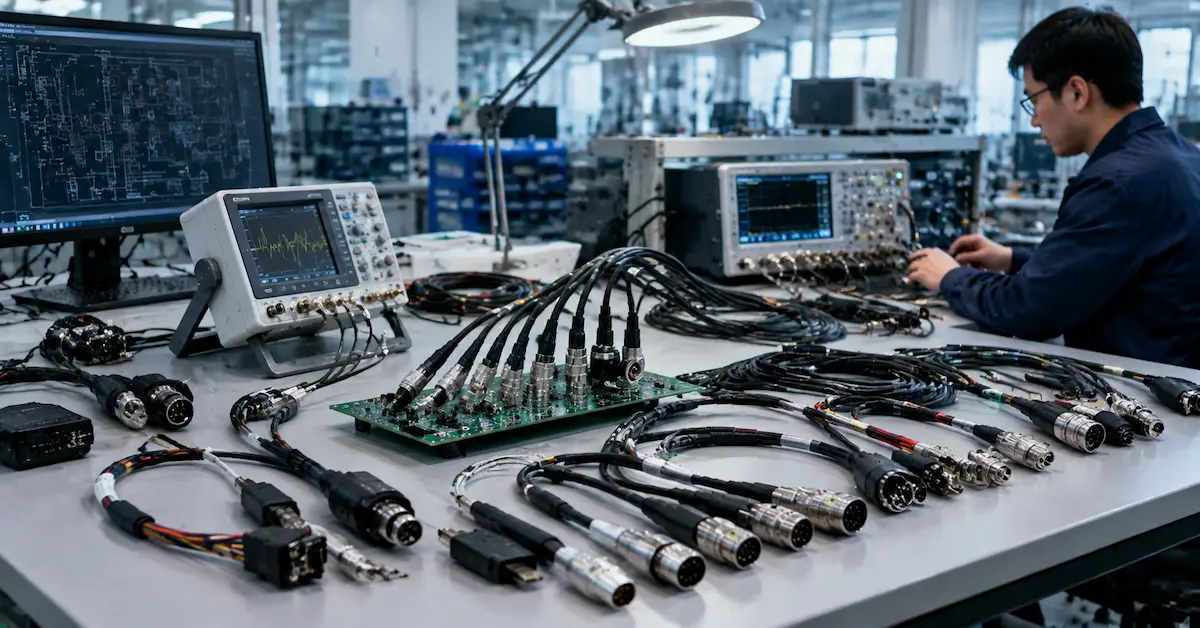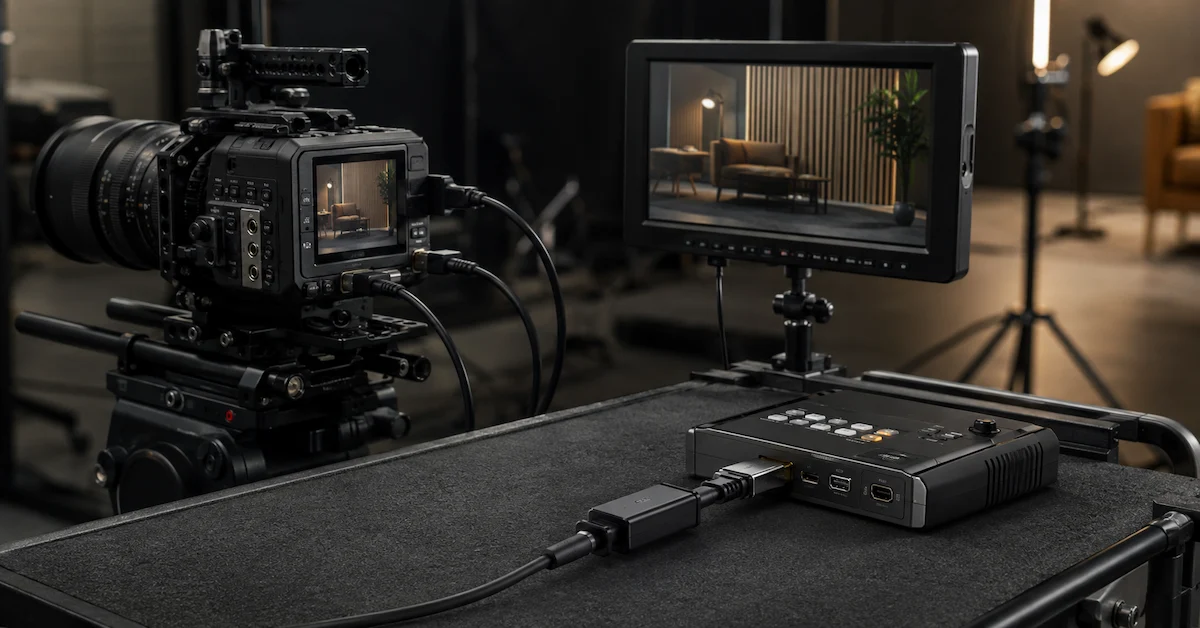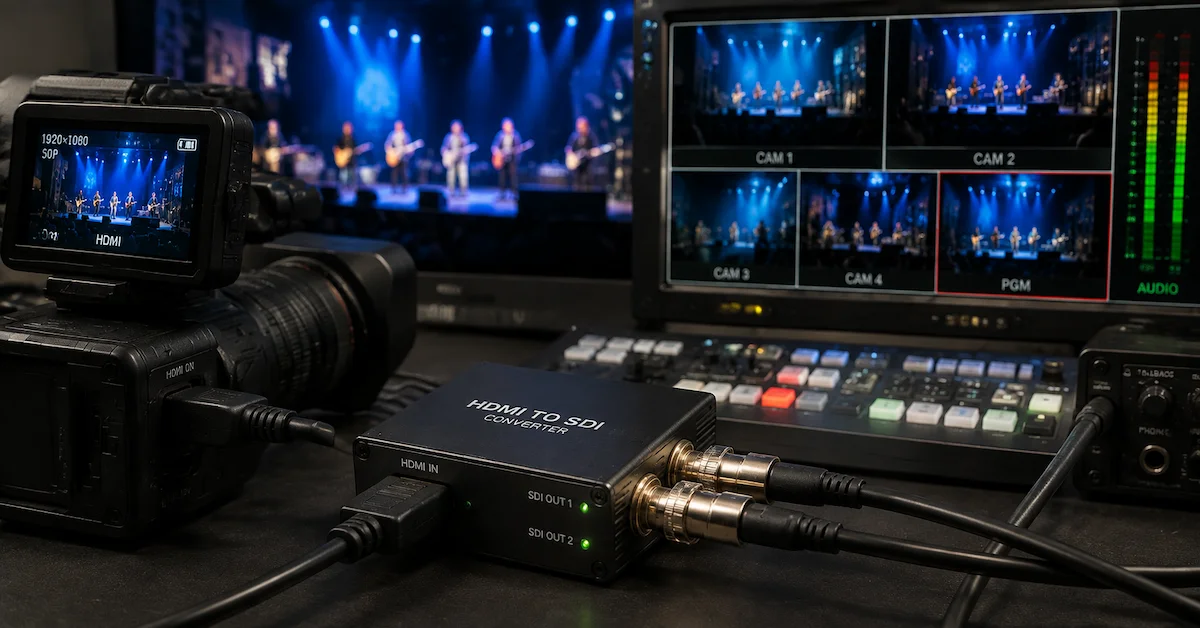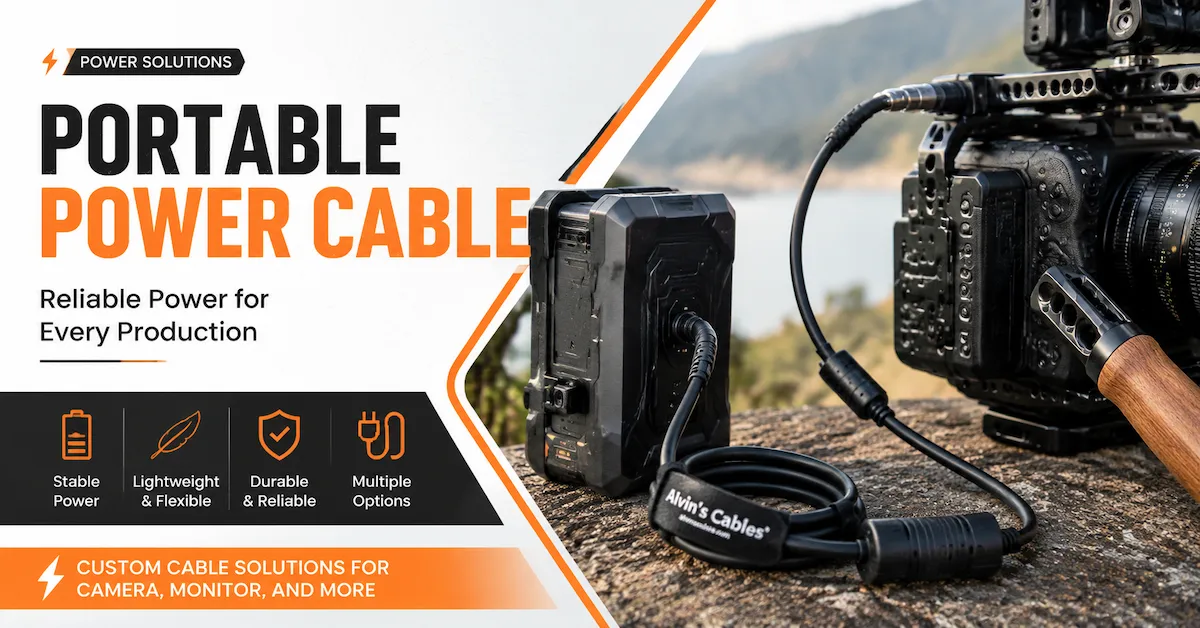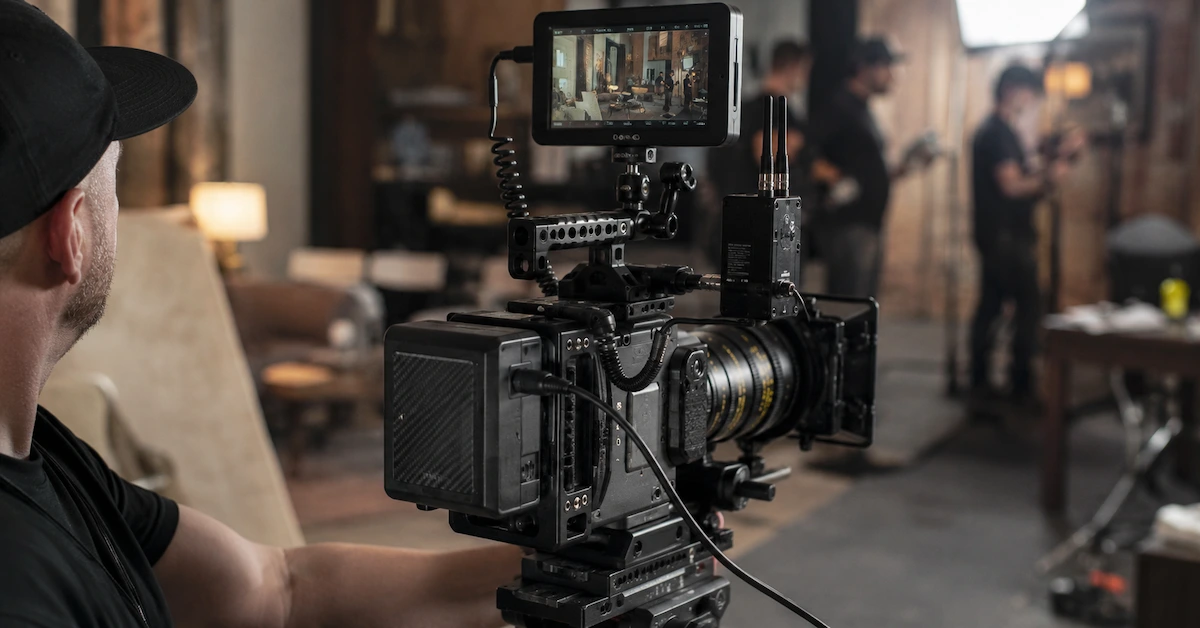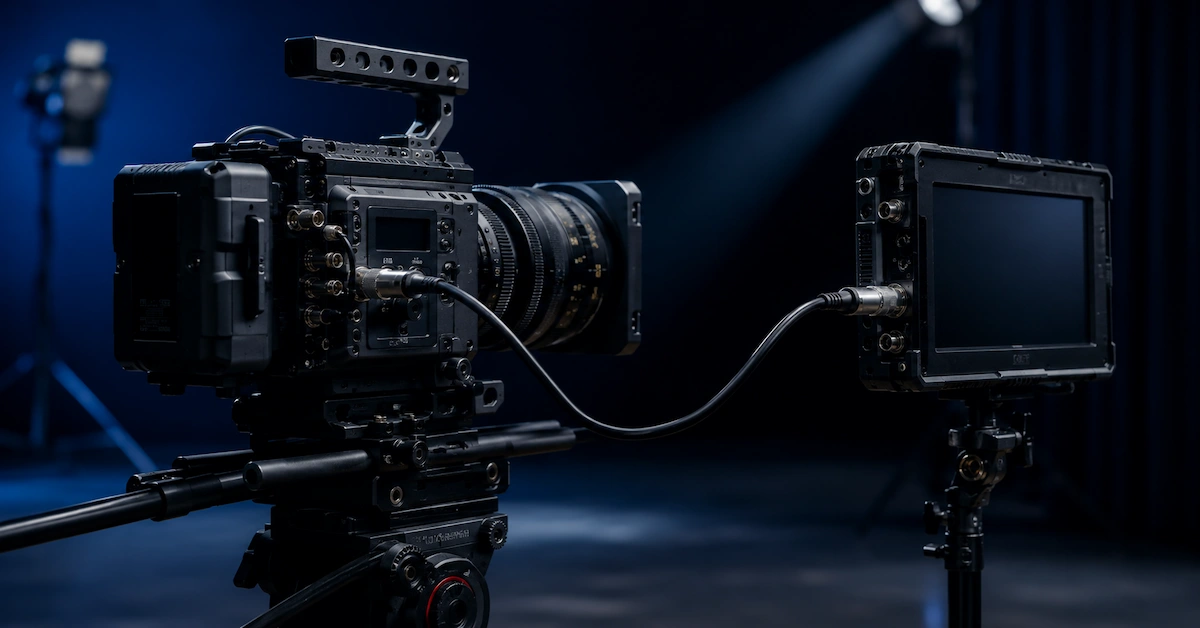
A camera connection cable is a key part of any professional camera system. It connects cameras with external monitors, recorders, wireless transmitters, power devices, EVFs, control systems, and AV equipment. For filmmakers, broadcast teams, rental houses, studio operators, and equipment brands, the right cable helps keep the entire workflow stable.
In professional production, cable failure can cause monitor flickering, video signal loss, unstable recording, poor control response, or unexpected downtime. That is why B2B buyers should not treat camera cables as simple accessories. A reliable camera connection cable must match the device, signal type, connector, cable length, routing path, and real working environment.
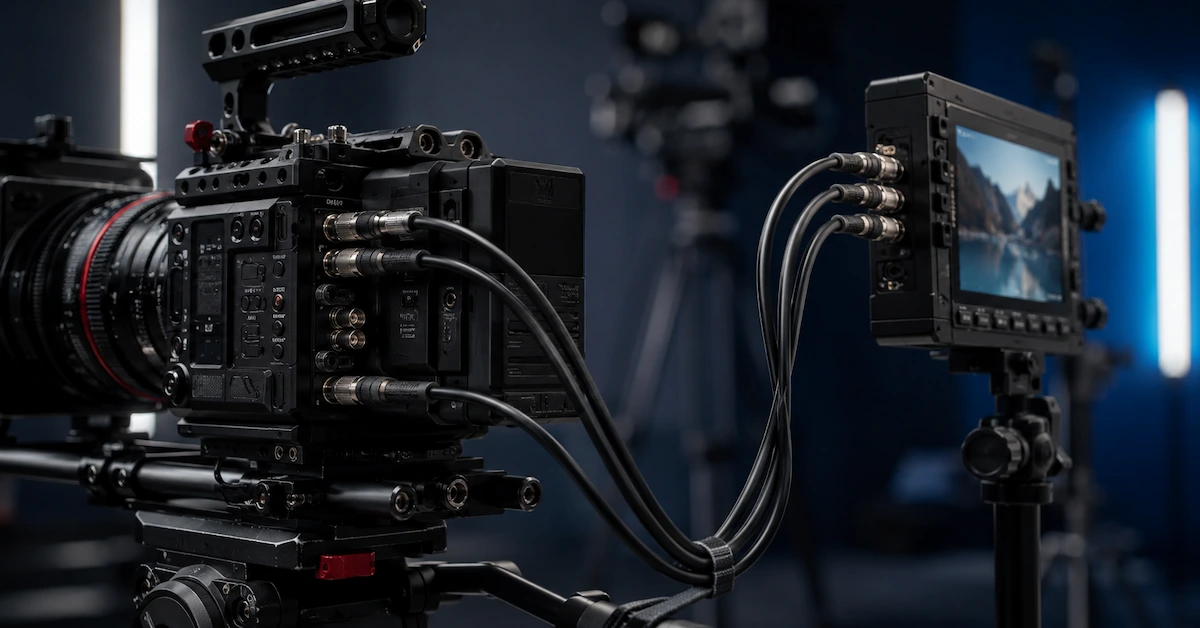
Quick Answer: What Is a Camera Connection Cable?
A camera connection cable is used to connect a camera to external devices for video, audio, control, data, or power transmission.
Common types include:
- Camera to monitor cable
- Camera to recorder cable
- SDI / BNC camera cable
- HDMI camera cable
- Camera control cable
- EVF cable
- D-Tap camera power cable
- USB-C camera cable
- Custom camera cable assembly
A good camera connection cable should provide stable signal transmission, secure connector fit, flexible routing, strong strain relief, and reliable durability for repeated use.
Why Camera Connection Cable Quality Matters
Professional camera setups are often moved, adjusted, packed, and reconnected many times. A cable that works in a short test may fail during real production if the connector is loose, the cable is too stiff, or the shielding is weak.
Common problems include:
- Monitor flickering
- No signal from camera to recorder
- Loose HDMI or BNC connector
- Cable pulling on camera ports
- Poor routing around camera cages
- Signal interference near power or wireless devices
- Broken cable near the connector
- Short cable lifespan in rental kits
For production teams, these problems can delay shooting. For rental houses and distributors, they can cause customer complaints and replacement costs.
Key Factors When Choosing a Camera Connection Cable
1. Connector Compatibility
The first step is confirming the exact connector type. Common camera cable connectors include HDMI, Mini HDMI, Micro HDMI, SDI / BNC, USB-C, D-Tap, DC, LEMO-style connectors, and camera-specific control connectors.
A professional supplier should help buyers match the cable to the camera model, monitor, recorder, transmitter, or control device.
2. Signal Stability
Camera connection cables may carry video, power, audio, data, or control signals. For video workflows, signal stability is especially important. Poor cable quality can lead to image dropout, unstable monitoring, or failed recording.
Shielding is important when the cable is used near wireless transmitters, power systems, LED lighting, audio equipment, or switchers.
3. Cable Length
Cable length affects both usability and reliability. A cable that is too long creates clutter. A cable that is too short pulls on the connector and may damage the camera port.
For camera rigs, custom short lengths are often useful. For studio or AV systems, longer custom lengths may be needed for clean routing.
4. Flexibility
A camera connection cable should be flexible enough for real production setups. Stiff cables may interfere with handheld rigs, gimbals, monitor mounts, or camera cages.
Flexible cables are especially useful for:
- Handheld camera rigs
- On-camera monitors
- Gimbal systems
- Field production
- Documentary shooting
- Rental kits
5. Strain Relief
Many cable failures happen near the connector. Reinforced strain relief helps reduce bending stress and protects the cable from repeated pulling or twisting.
For rental houses, live production teams, and field crews, strain relief is one of the most important durability features.
Common Camera Connection Cable Options
| Cable Type | Common Use | Best For |
|---|---|---|
| HDMI Camera Cable | Camera to monitor or recorder | Mirrorless cameras, compact rigs, live streaming |
| SDI / BNC Camera Cable | Professional video transmission | Broadcast, cinema cameras, monitors, switchers |
| Monitor Cable | Camera to field monitor | On-camera monitoring and video village |
| Camera Control Cable | Control and data transmission | Focus systems, camera control devices |
| D-Tap Power Cable | Power connection | V-mount batteries, monitors, transmitters |
| Custom Camera Cable | Special connector or length needs | OEM, rental kits, custom camera rigs |
Who Needs Camera Connection Cables?
| Buyer Type | Typical Requirement |
| Film production teams | Stable camera-to-monitor or recorder connection |
| Broadcast teams | Reliable SDI / BNC signal transmission |
| Rental houses | Durable cables for repeated customer use |
| AV integrators | Project-specific cable routing |
| Equipment brands | OEM or private label cable sets |
| Content creators | Compact HDMI and monitor cables |
| Industrial users | Stable signal for camera and vision systems |
These buyers need cables that reduce failure risk and improve workflow reliability.
Why Alvin’s Cables Is a Good Fit
Alvin’s Cables provides professional cable solutions for photography, film, broadcast, AV, and industrial applications. For camera connection cable projects, Alvin’s Cables can support standard products and custom cable development based on connector type, length, signal requirement, shielding, flexibility, and usage environment.
Buyers can browse available products through the Alvin’s Cables product center. For custom connector combinations, right-angle designs, cable length, shielding, or routing needs, visit custom cable solutions.
Alvin’s Cables is suitable for:
- Camera connection cable sourcing
- HDMI camera cable projects
- SDI / BNC camera cable solutions
- Monitor and EVF cable customization
- D-Tap power cable support
- Camera control cable projects
- Rental house cable kits
- OEM cable development
What Information Should Buyers Provide?
To get the right recommendation, buyers should prepare clear requirements.
| Information | Why It Matters |
| Camera model | Confirms connector compatibility |
| External device model | Matches monitor, recorder, transmitter, or control device |
| Signal type | Determines cable structure |
| Connector type | Confirms exact cable design |
| Cable length | Affects routing and port stress |
| Connector orientation | Helps improve camera rig layout |
| Application environment | Studio, field, rental, broadcast, industrial |
| Quantity | Supports prototype, small batch, or bulk quote |
To discuss a project, submit your details through the request a quote page. For lead time, shipping, and custom order questions, visit the FAQ page.
FAQ
1. What is a camera connection cable?
A camera connection cable connects a camera to external devices such as monitors, recorders, transmitters, power systems, or control equipment.
2. What connectors are common for camera connection cables?
Common connectors include HDMI, Mini HDMI, Micro HDMI, SDI / BNC, USB-C, D-Tap, DC, and camera-specific control connectors.
3. Can camera connection cables be customized?
Yes. They can be customized by connector type, cable length, connector orientation, shielding, flexibility, and application environment.
4. Why does cable length matter?
Proper cable length reduces clutter, improves cable routing, and helps protect camera ports from pulling stress.
5. How do I choose a camera connection cable supplier?
Choose a supplier that understands professional camera workflows, supports customization, provides reliable connector quality, and can recommend the right cable based on your equipment setup.
Conclusion
A camera connection cable directly affects signal stability, equipment safety, and production efficiency. For professional camera rigs, studio systems, broadcast workflows, rental kits, and AV projects, buyers should evaluate connector compatibility, shielding, cable length, flexibility, strain relief, and supplier support before placing an order.
Alvin’s Cables supports standard and custom camera connection cable solutions for professional buyers. For special connector, length, routing, or cable design needs, contact Alvin’s Cables to discuss your project requirements.