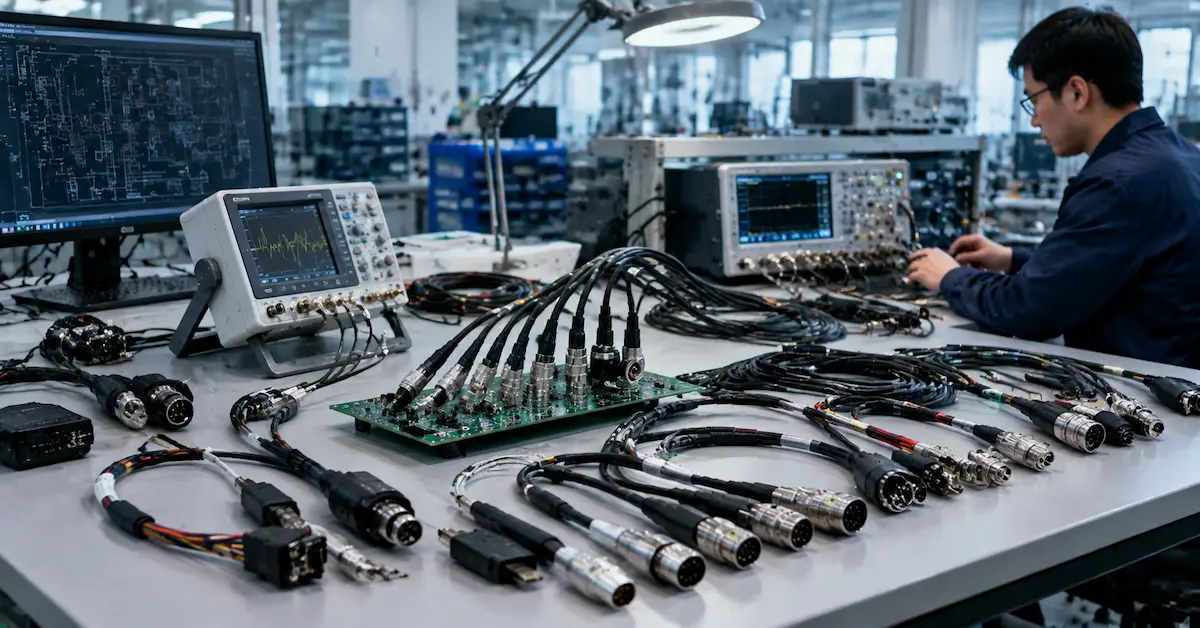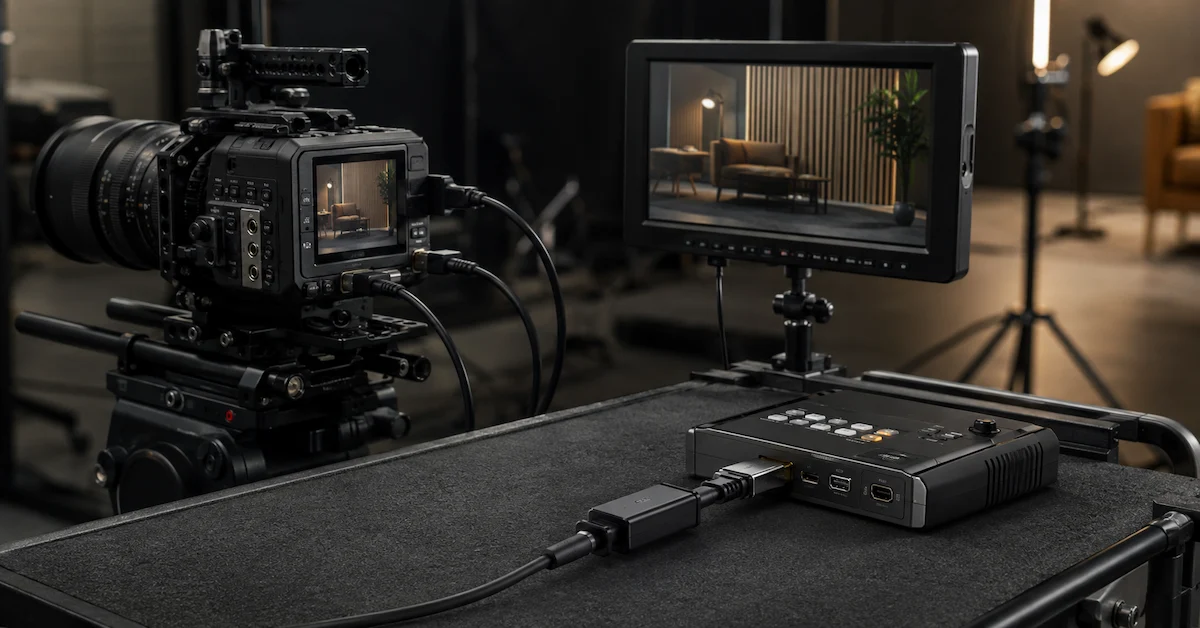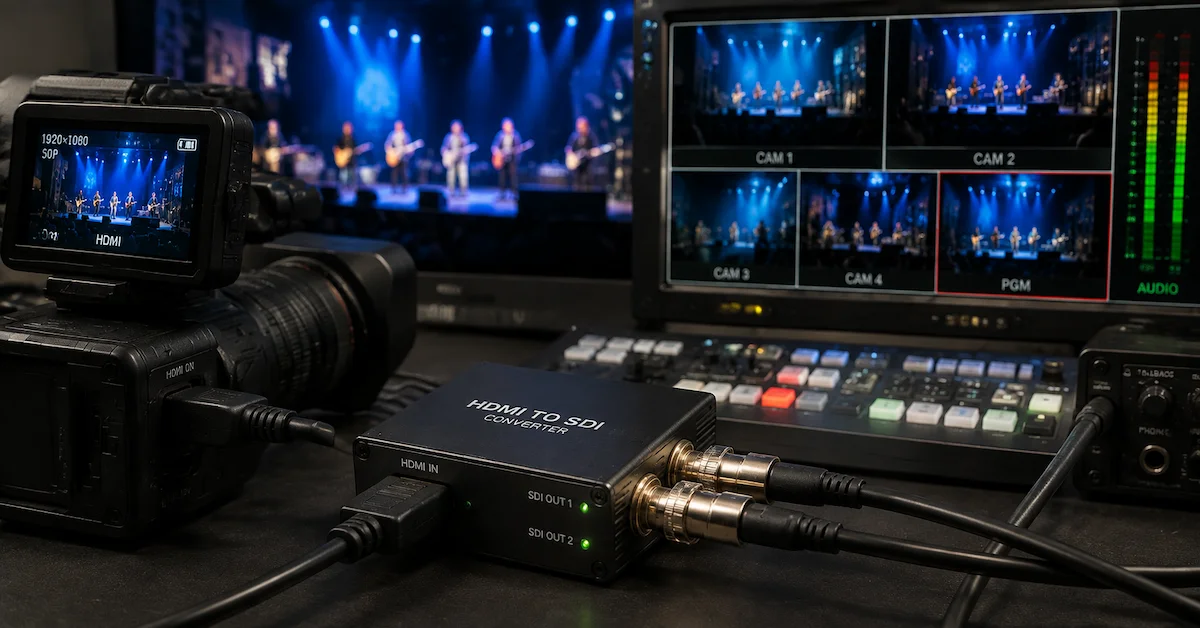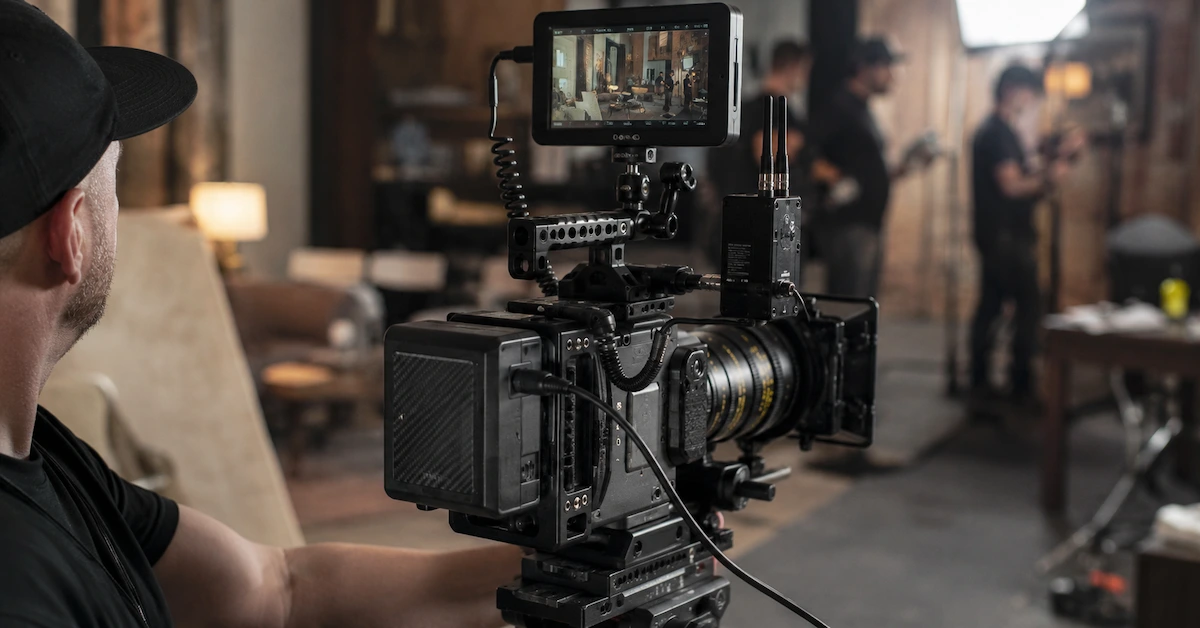
A camera connection cable may look like a small accessory, but it plays a critical role in professional production systems. It connects the camera to monitors, recorders, wireless transmitters, control devices, power systems, and other AV equipment. When the cable is unstable, the whole workflow can be affected.
For filmmakers, broadcast teams, rental houses, AV integrators, and equipment brands, the right camera connection cable helps reduce signal failure, protect equipment ports, and improve cable routing around camera rigs.
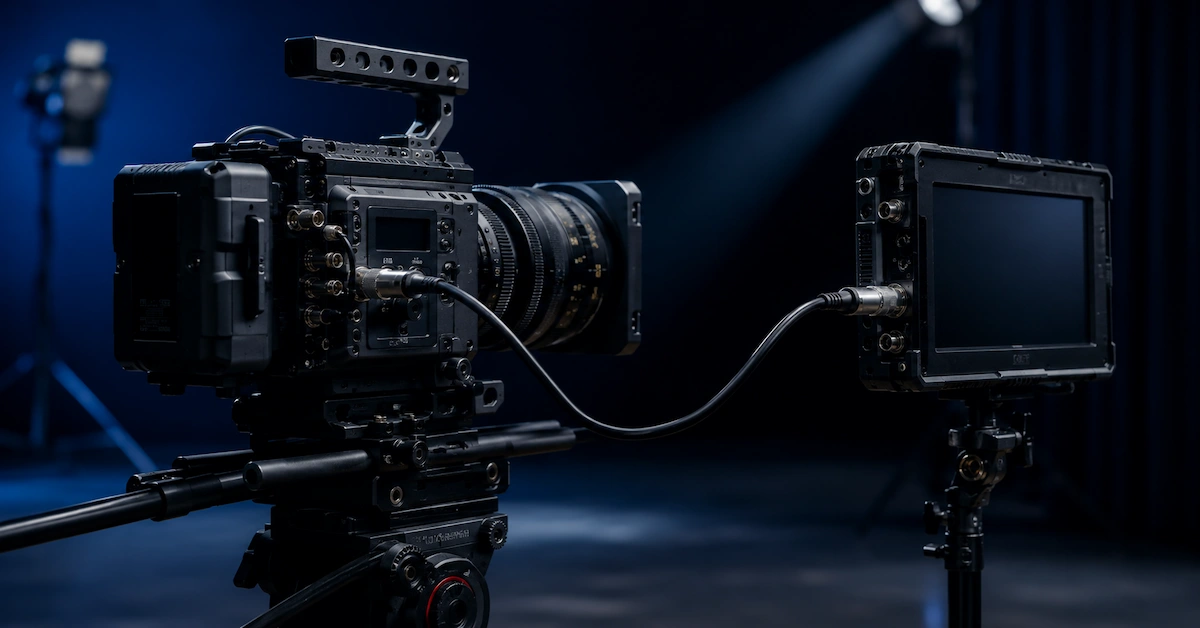
Why Camera Connection Cable Quality Matters
Professional camera systems are used in demanding environments. Cables are bent, packed, plugged, unplugged, pulled, and routed around cages, monitors, handles, batteries, and transmitters.
Low-quality cables may cause:
- Monitor flickering
- Signal dropout
- Unstable recording
- Loose connector contact
- Cable clutter around the camera rig
- Port stress caused by wrong connector angle
- Failure near the connector after repeated bending
- Customer complaints in rental or resale use
For B2B buyers, cable failure is not only a technical issue. It can lead to shooting delays, replacement costs, and lower customer confidence.
What Types of Camera Connection Cables Are Common?
| Cable Type | Common Use | Best For |
|---|---|---|
| HDMI Camera Cable | Camera to monitor or recorder | Mirrorless cameras, compact rigs, live streaming |
| SDI / BNC Cable | Professional video signal transmission | Broadcast, cinema cameras, switchers, monitors |
| Monitor Cable | Camera to external field monitor | On-camera monitoring and video village |
| EVF Cable | Camera to electronic viewfinder | Cinema camera systems |
| Camera Control Cable | Control and data communication | Follow focus, control units, camera systems |
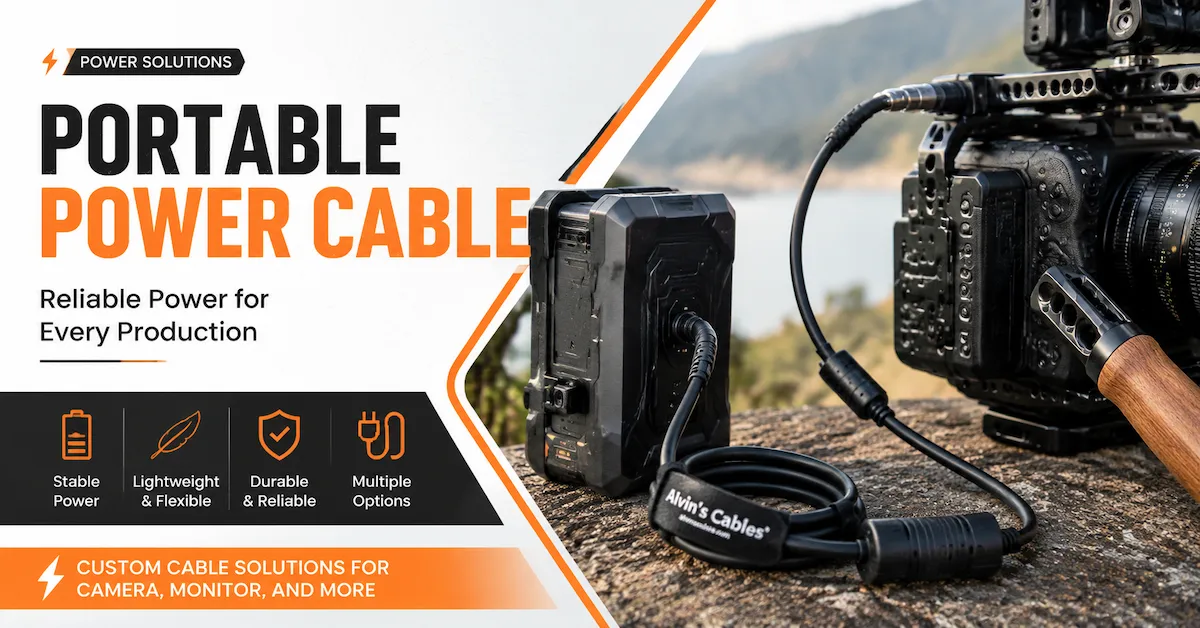
| D-Tap Power Cable | Power connection | V-mount batteries, monitors, wireless transmitters |
| Custom Camera Cable | Special connector or length needs | OEM, rental kits, custom rigs |
The best choice depends on the camera model, external device, signal type, connector position, cable length, and application environment.
Key Buying Factors
1. Confirm the Exact Connector
Camera connection cables may use HDMI, Mini HDMI, Micro HDMI, SDI / BNC, USB-C, D-Tap, DC, LEMO-style, or camera-specific connectors. Before ordering, buyers should confirm both the camera side and the accessory side.
2. Choose the Right Cable Length
A cable that is too long creates clutter. A cable that is too short pulls on the port. For camera rigs, custom short lengths often improve cable management and reduce failure risk.
3. Check Connector Orientation
Right-angle connectors can help reduce port stress and keep the cable close to the camera body. This is especially useful for camera cages, handheld rigs, monitors, and compact setups.
4. Consider Shielding
Signal cables may be used near wireless transmitters, power cables, LED lights, audio equipment, and monitors. Proper shielding helps protect signal stability in complex production environments.
5. Evaluate Strain Relief
Many cable failures happen near the connector. Reinforced strain relief helps protect the cable from repeated bending, twisting, and pulling.
Who Needs Custom Camera Connection Cables?
| Buyer Type | Requirement |
| Film production teams | Stable camera-to-monitor and recorder connections |
| Broadcast teams | Reliable SDI / BNC signal transmission |
| Rental houses | Durable cables for repeated customer use |
| AV integrators | Custom routing for studio or installation projects |
| Equipment brands | OEM cable sets and private label solutions |
| Distributors | Consistent quality for resale |
| Industrial users | Stable signal for camera and vision systems |
These buyers need more than a standard cable. They need repeatable quality, compatibility support, and application-specific cable design.
Why Choose Alvin’s Cables?
Alvin’s Cables provides professional cable solutions for photography, film, broadcast, studio, AV, and industrial applications. For camera connection cable projects, Alvin’s Cables can support standard products and custom cable development based on connector type, cable length, signal requirement, shielding, flexibility, and application environment.
Buyers can explore available options through the Alvin’s Cables product center. For special connector combinations, custom length, right-angle design, shielding, or cable routing needs, visit custom cable solutions.
Alvin’s Cables is suitable for:
- Camera connection cable sourcing
- Custom camera cable development
- HDMI and SDI camera cable projects
- Monitor and EVF cable solutions
- D-Tap power cable support
- Rental house cable kits
- OEM cable assembly projects
- Studio and broadcast cable solutions
What Information Should Buyers Provide?
To get an accurate recommendation, prepare these details:
| Information | Why It Matters |
| Camera model | Confirms connector compatibility |
| External device model | Matches monitor, recorder, transmitter, or controller |
| Signal type | Determines cable structure |
| Connector type | Confirms exact cable design |
| Cable length | Affects routing and usability |
| Connector orientation | Reduces port stress |
| Application environment | Studio, field, rental, broadcast, or industrial |
| Quantity | Supports prototype, small batch, or bulk quote |
To start a project, submit your details through the request a quote page. For lead time, shipping, and custom order questions, visit the FAQ page.
FAQ
1. What is a camera connection cable?
A camera connection cable connects a camera to external devices such as monitors, recorders, transmitters, power systems, or control equipment.
2. Can camera connection cables be customized?
Yes. They can be customized by connector type, cable length, connector orientation, shielding, flexibility, and application environment.
3. Why does connector orientation matter?
Connector orientation affects cable routing and port stress. Right-angle connectors are often useful for compact camera rigs.
4. What cable is best for camera monitors?
For camera monitors, short and flexible HDMI, SDI, or monitor cables are commonly used, depending on the device interface.
5. How do I request a custom camera connection cable?
Provide your camera model, device model, connector type, cable length, quantity, and application scenario through Alvin’s Cables’ quote form.
Conclusion
A camera connection cable directly affects production reliability. The right cable helps maintain stable signal transmission, reduce cable clutter, protect camera ports, and improve the user experience in professional workflows.
For camera rigs, studio setups, broadcast systems, rental kits, and OEM projects, buyers should evaluate connector compatibility, cable length, shielding, flexibility, strain relief, and supplier support before ordering.
Alvin’s Cables supports standard and custom camera connection cable solutions for professional buyers. Contact Alvin’s Cables to discuss your cable requirements and get a suitable solution.