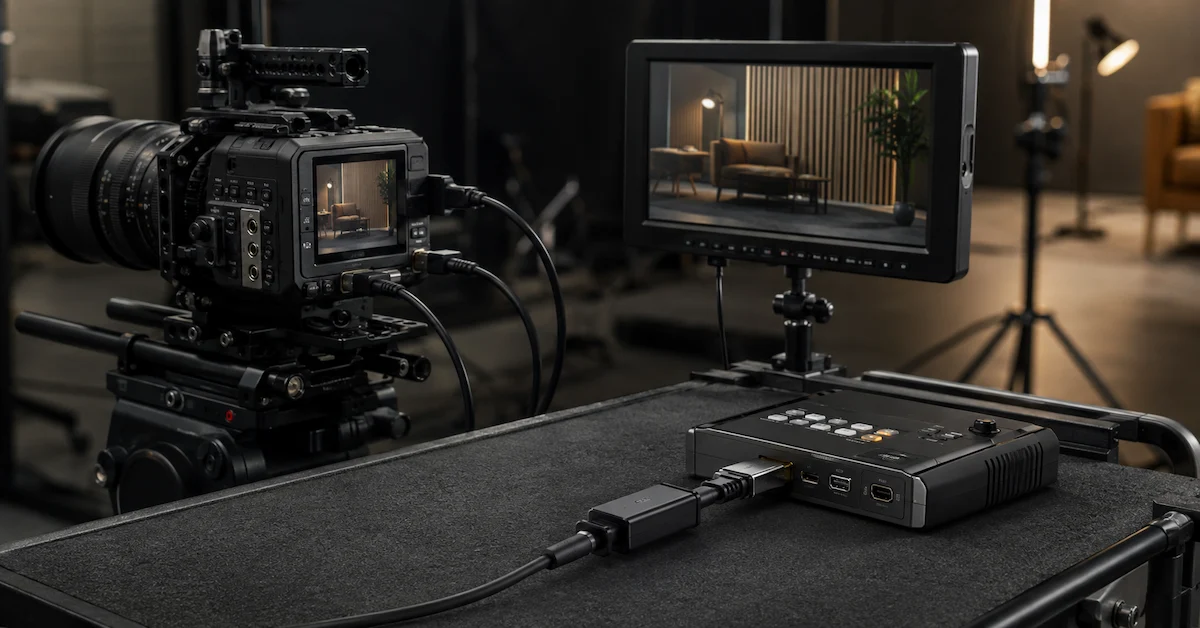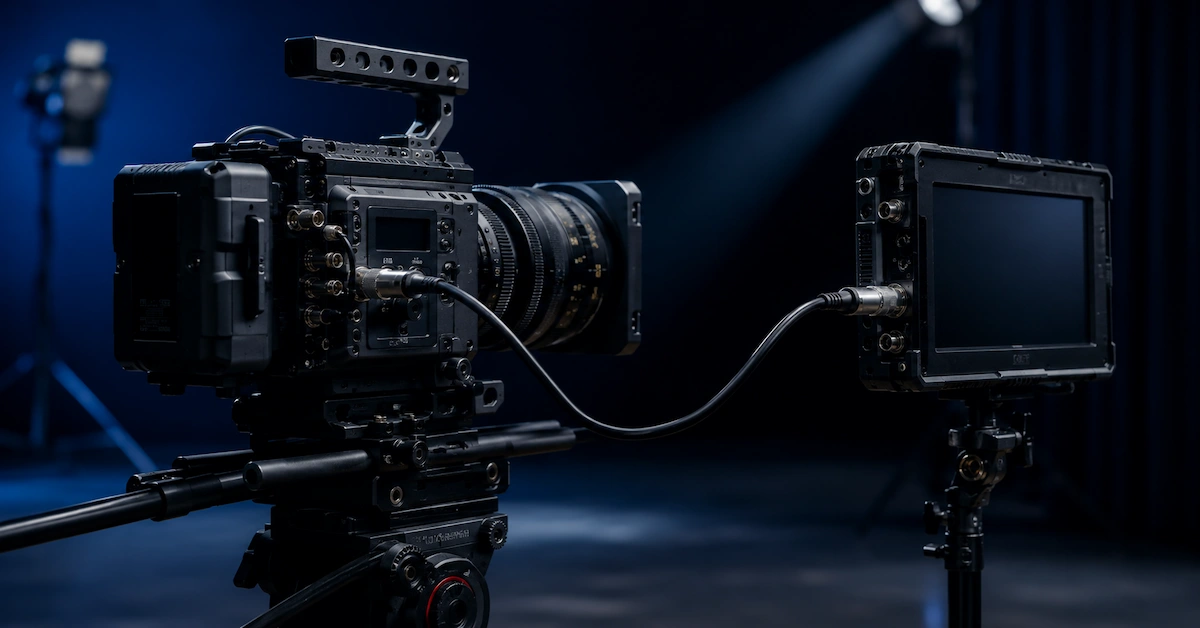
A HDMI to SDI converter cable is designed for professional video workflows that require connection between HDMI-based equipment and SDI broadcast systems.
Modern production environments often combine different types of video equipment. Cameras, monitors, recorders, switchers, and broadcasting systems may use different interfaces depending on their application.
HDMI is commonly used in consumer and prosumer video equipment because of its compact design and high-resolution support. SDI is widely used in professional broadcast environments because of its long-distance transmission capability, locking connectors, and reliable signal distribution.
When these two systems need to work together, buyers require a suitable HDMI to SDI conversion solution.
However, it is important to understand that HDMI and SDI are different signal standards. A simple passive cable cannot convert HDMI signals into SDI signals. In many cases, an active converter device is required.
A professional supplier should help customers choose the correct solution based on:
- Signal format
- Resolution
- Frame rate
- Equipment compatibility
- Cable length
- Application environment
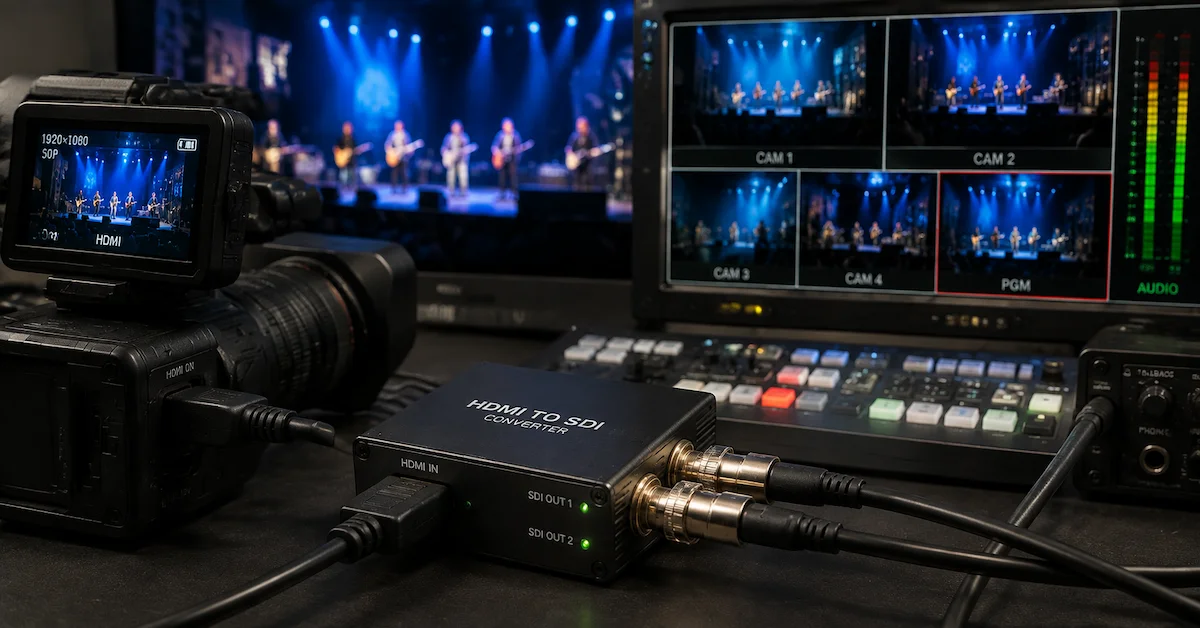
Quick Answer: What Is an HDMI to SDI Converter Cable?
An HDMI to SDI converter cable solution connects HDMI output devices with SDI input equipment by converting or routing compatible video signals.
Typical applications include:
- HDMI cameras to SDI monitors
- Consumer cameras to broadcast systems
- HDMI computers to SDI switchers
- Studio monitoring systems
- Live production workflows
- Video transmission systems
Depending on the application, the solution may include:
- Active HDMI to SDI converter box
- HDMI cable connection
- SDI coaxial cable connection
- Custom cable assembly
- Equipment-specific adapter solution
A standard cable alone usually cannot perform HDMI-to-SDI signal conversion because the two interfaces use different transmission technologies.
HDMI vs SDI: Understanding the Difference
| Feature | HDMI | SDI |
|---|---|---|
| Main application | Consumer and professional video | Broadcast and professional video |
| Connector | Compact HDMI connector | BNC connector |
| Transmission distance | Shorter distance | Longer professional transmission |
| Locking connection | Usually non-locking | Locking BNC connection |
| Common equipment | Cameras, monitors, computers | Broadcast cameras, switchers, monitors |
| Signal conversion | Requires active conversion | Native SDI workflow |
Understanding these differences helps buyers avoid purchasing an unsuitable cable.
Why HDMI to SDI Solutions Are Needed
Professional production environments frequently combine equipment from different categories.
Examples include:
- HDMI camera connected to SDI monitor
- Laptop presentation system connected to broadcast switcher
- Consumer camera integrated into live production
- HDMI recorder connected with SDI workflow
Without the correct conversion solution, users may experience:
- No video signal
- Unsupported resolution
- Frame-rate mismatch
- Signal instability
- Equipment incompatibility
Common Applications of HDMI to SDI Converter Cable Solutions
Live Broadcast Production
Live production environments often require multiple video sources.
HDMI devices may need integration with:
- SDI switchers
- Broadcast monitors
- Production routers
- Recording systems
A reliable conversion workflow improves system flexibility.
Studio Video Production
Studios may use a combination of professional and consumer equipment.
Applications include:
- Camera monitoring
- Recording systems
- Video walls
- Control rooms
Event Streaming
Live events often combine:
- HDMI cameras
- SDI production systems
- Streaming equipment
- Large displays
Proper conversion allows different devices to work together.
Education and Corporate Video
Training rooms and conference systems may require HDMI sources to connect with professional video infrastructure.
Applications include:
- Presentation systems
- Lecture recording
- Meeting rooms
- Video distribution
Key Factors When Choosing HDMI to SDI Solutions
1. Confirm Whether Conversion Is Required
The first question buyers should ask is:
"Do I need a cable or an active converter?"
HDMI and SDI are different signal standards.
A passive cable can only physically connect compatible signals. It cannot change HDMI electrical signaling into SDI.
For actual HDMI-to-SDI conversion, buyers usually need:
- HDMI input
- SDI output
- Signal processing electronics
- Proper power supply
2. Check Resolution and Frame Rate
Video compatibility depends on supported formats.
Important specifications include:
- Resolution
- Frame rate
- Color format
- Signal standard
- Camera output settings
- Monitor input capability
Common formats may include:
- 1080p
- 1080i
- 4K
- Different frame rates
The converter and connected equipment must support the required format.
3. SDI Cable Quality
The SDI side requires suitable coaxial cable performance.
Important factors include:
- 75-ohm impedance
- Shielding quality
- Connector quality
- Cable length
- Signal attenuation
Poor-quality SDI cables may cause:
- Signal loss
- Image artifacts
- Transmission instability
- Reduced distance performance
4. Cable Length Requirements
Longer connections require careful planning.
Buyers should consider:
- HDMI cable length limitations
- SDI transmission distance
- Installation environment
- Equipment placement
Custom cable lengths help improve:
- Equipment organization
- Installation efficiency
- Workflow reliability
5. Connector Design
Professional applications may require specific connector options.
Common requirements include:
- Right-angle HDMI connector
- Locking BNC connector
- Flexible cable jacket
- Custom cable routing
- Equipment-specific design
Compact production environments benefit from carefully designed connector orientation.
HDMI to SDI Converter Cable vs Standard Video Cable
| Factor | Standard Video Cable | HDMI to SDI Solution |
| Signal type | Same interface connection | Different interface conversion |
| Conversion ability | No | Yes with active converter |
| Application | Simple connections | Professional integration |
| Broadcast use | Limited | Common |
| System compatibility | Basic | Equipment-specific |
Who Needs HDMI to SDI Solutions?
| Buyer Type | Requirement |
| Broadcast companies | Professional video integration |
| Film production teams | Mixed camera workflows |
| Live event companies | Multi-device production |
| AV integrators | Custom installation |
| Studio operators | Reliable monitoring systems |
| Equipment brands | OEM video accessories |
| Distributors | Professional cable solutions |
Why Alvin’s Cables Is a Reliable Video Cable Partner
Alvin’s Cables provides professional cable solutions for photography, film, broadcast, AV, and industrial applications.
For HDMI and SDI-related cable projects, Alvin’s Cables supports:
- Custom video cable solutions
- HDMI cable assemblies
- SDI cable assemblies
- Professional camera cables
- Custom connector configurations
- Cable length customization
- Flexible cable structures
- OEM development
Buyers can explore available products through the Alvin’s Cables product center.
For special video connection requirements, visit custom cable solutions.
Information Required for Custom Orders
| Information | Purpose |
| Equipment model | Confirms compatibility |
| HDMI source device | Determines input requirements |
| SDI receiving device | Defines output requirements |
| Resolution and frame rate | Confirms signal support |
| Cable length | Supports installation |
| Connector preference | Defines assembly |
| Application environment | Guides durability design |
| Quantity | Supports production planning |
Submit requirements through the request a quote page.
FAQ
1. Can an HDMI cable directly convert to SDI?
No. HDMI and SDI use different signal standards. A converter device is normally required.
2. What is an HDMI to SDI converter cable used for?
It is used to connect HDMI-based devices with professional SDI video systems.
3. Can HDMI to SDI support 4K video?
It depends on the converter and equipment specifications. Resolution and frame rate compatibility must be confirmed.
4. What SDI cable should be used?
A professional 75-ohm SDI cable with suitable shielding and connectors is recommended.
5. Can HDMI and SDI cables be customized?
Yes. Cable length, connector style, routing, and professional applications can be customized.
Conclusion
An HDMI to SDI converter cable solution helps professional users integrate different video systems efficiently.
For broadcast, live production, studios, and professional AV applications, compatibility depends on more than connector shape. Signal format, resolution, transmission distance, cable quality, and equipment requirements must all be considered.
Alvin’s Cables supports custom video cable solutions for professional buyers, system integrators, and equipment brands.
Contact Alvin’s Cables to discuss your HDMI, SDI, and custom video connection requirements.