Understanding Ultra-Soft Cable Polarity Explained
If you’ve ever connected a cable and noticed strange sound issues, signal dropouts, or devices not responding as expected, cable polarity might be the reason. Understanding ultra-soft cable polarity explained can help avoid common connection problems, especially when using flexible cables designed for modern audio and video setups.
Ultra-soft cables are popular because they are easy to handle, flexible, and comfortable to route in tight spaces. However, their flexibility does not remove the need for correct polarity. When polarity is reversed, signals may not flow correctly, leading to performance issues that can be confusing for everyday users.
This guide explains what ultra-soft cable polarity means, why polarity matters, and how to fix common problems when your ultra-soft cable isn’t working as expected.
What Does Ultra-Soft Cable Polarity Mean?
Cable polarity refers to the correct alignment of positive and negative signal paths. In simple terms, polarity ensures that electrical signals travel in the correct direction between devices.
When ultra-soft cable polarity is correct:
-
Audio sounds balanced and clear
-
Video signals display properly
-
Devices communicate without errors
When polarity is incorrect:
-
Audio may sound weak or out of phase
-
Video signals may fail or behave unpredictably
-
Devices may not power on or respond
Ultra-soft cables use flexible materials that improve handling, but internally they still rely on precise wiring. That’s why understanding ultra-soft cable polarity explained is important, even for non-technical users.
Why My Ultra-Soft Cable Not Working?
A common question users ask is why my ultra-soft cable not working, even when the cable looks fine. Polarity issues are one of the most common causes.
Common Reasons Include:
Incorrect Orientation
Some ultra-soft cables require a specific direction to be connected. If the ends are reversed, the signal path may not align correctly.
Loose or Stressed Connectors
Ultra-soft cables bend easily, but repeated bending near connectors can affect internal wiring, creating symptoms similar to polarity problems.
Device Compatibility Issues
Older devices may not fully support newer cable designs, which can result in connection problems that look like polarity faults.
If your ultra-soft cable is not working, start by unplugging and reconnecting it carefully, checking any markings or indicators on the connectors.
How to Avoid Polarity Issues with Ultra-Soft Cables
Understanding ultra-soft cable polarity explained helps prevent problems before they happen.
Simple Tips:
-
Look for arrows, labels, or markings on the cable
-
Avoid twisting or sharply bending the cable near connectors
-
Keep cables loosely coiled when not in use
-
Test cables before long or important sessions
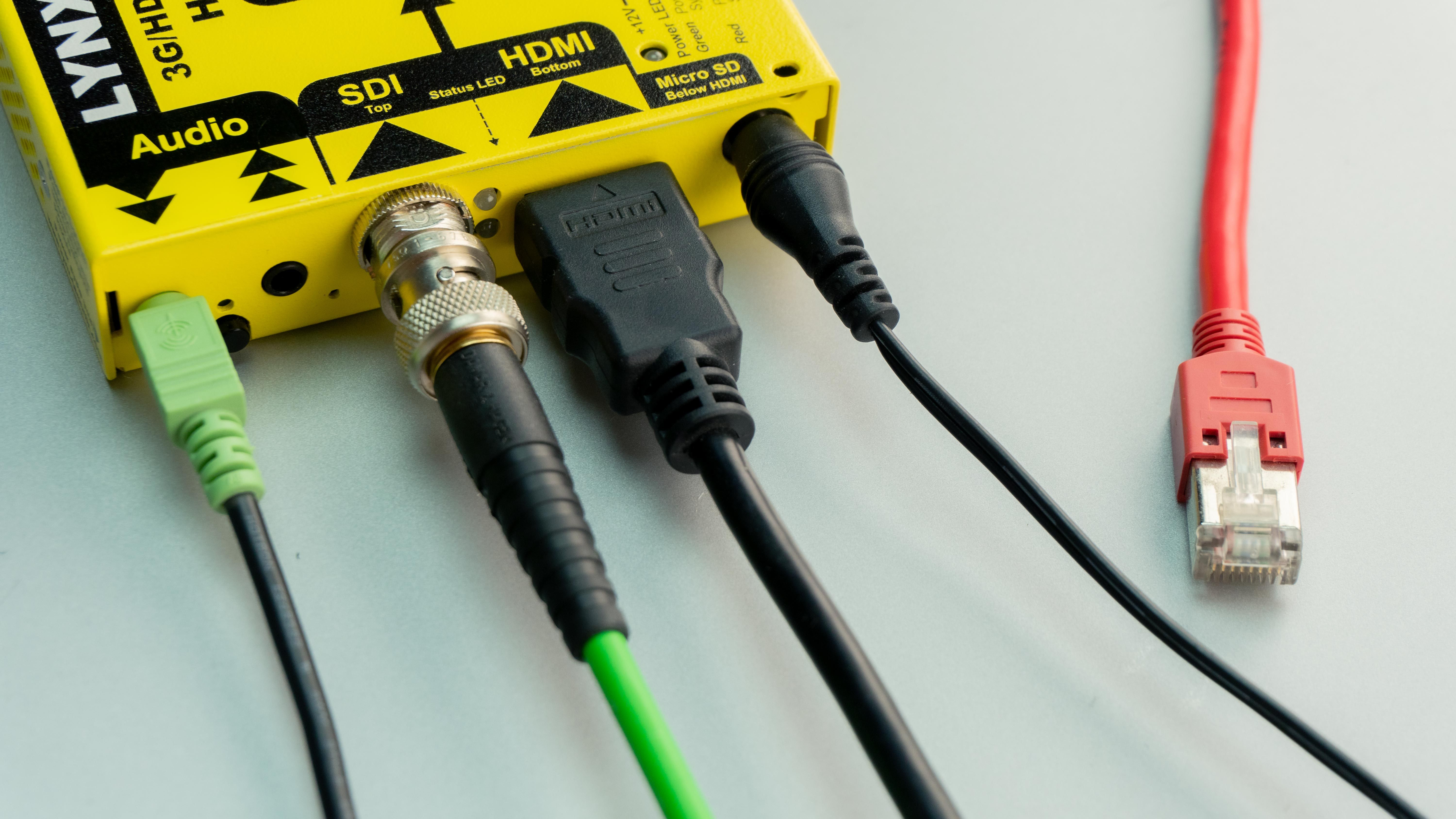
Using visual cues, such as cable color or connector shape, can also make it easier to keep track of correct connections and reduce setup mistakes.
Choosing the Best Ultra-Soft Cable for Everyday Setups
When looking for the best ultra-soft cable, focus on ease of use rather than marketing claims.
Good ultra-soft cables usually offer:
-
Clear polarity indicators
-
Smooth, flexible outer coating
-
Secure connector fit
-
Resistance to tangling
Coiled ultra-soft cables are especially useful because they stretch when needed and retract neatly when not in use, helping keep setups clean and organized.
Choosing the right cable reduces the chance of running into issues like why my ultra-soft cable not working due to polarity or connection problems.
Extra Tips for Keeping Ultra-Soft Cables Reliable
To get the most out of your cables:
-
Store them loosely to protect internal wiring
-
Clean connectors occasionally to maintain contact quality
-
Label cables if you use multiple similar ones
Small habits like these make polarity checks easier and extend the life of ultra-soft cables.
Final Thoughts
Understanding ultra-soft cable polarity explained doesn’t require technical expertise, but it can save time and frustration. Many common cable problems come down to simple polarity or connection mistakes.
By knowing how polarity works and paying attention during setup, you can avoid issues where your ultra-soft cable is not working and enjoy stable, reliable connections in everyday audio and video use.