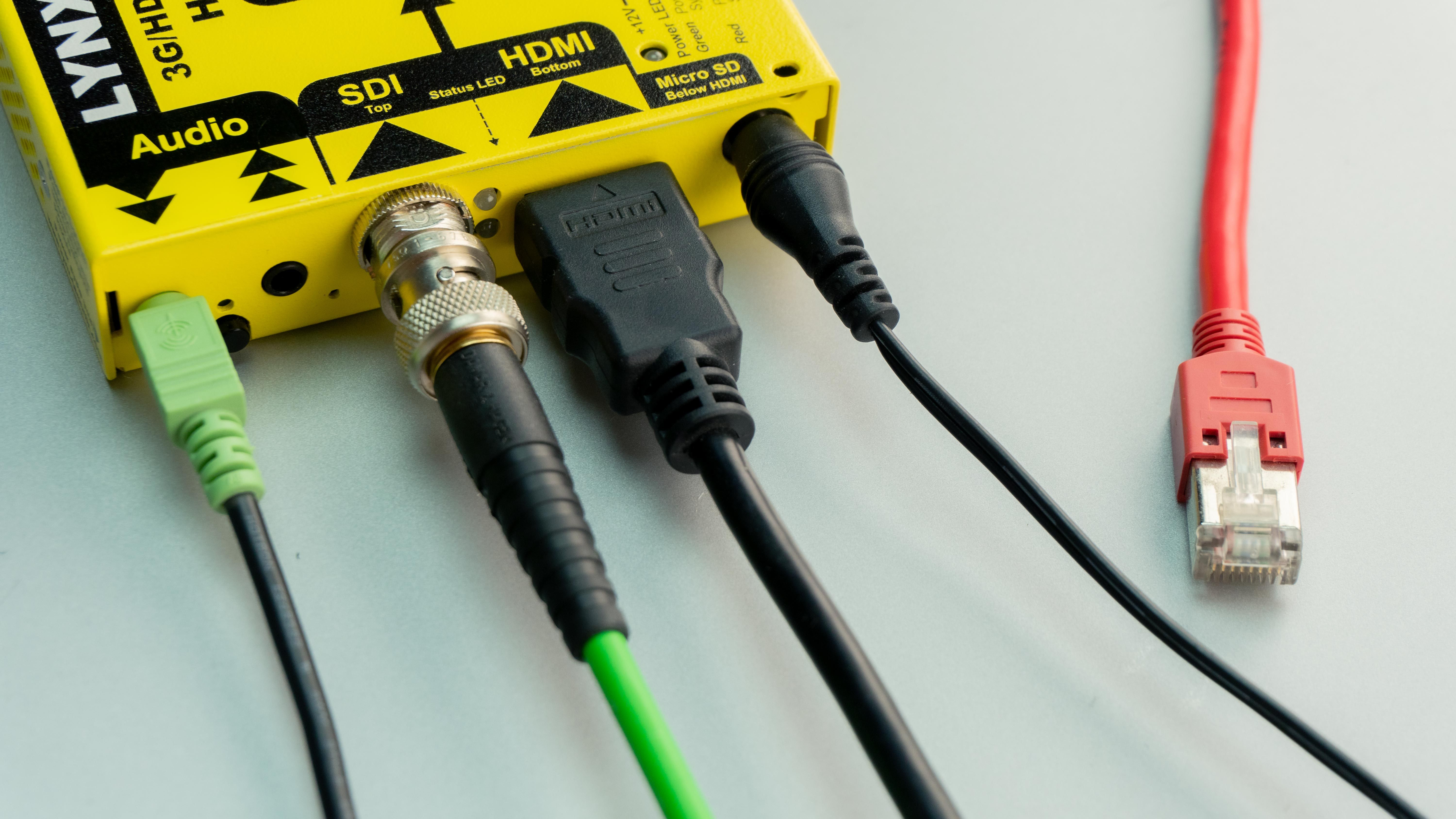
Understanding What Is HDMI 2.1 Cable
If you’re setting up a new TV, gaming console, or home theater system, you’ve probably seen the term HDMI 2.1 cable everywhere. But what is HDMI 2.1 cable exactly, and do you really need one?
HDMI 2.1 is the newest HDMI standard, designed to handle higher resolutions, smoother motion, and more advanced audio features. This guide explains what an HDMI 2.1 cable is, why some 8K HDMI cables don’t work as expected, how to avoid fake HDMI 2.1 cables, and how to check whether your TV actually supports HDMI 2.1 features.
What Is HDMI 2.1 Cable?
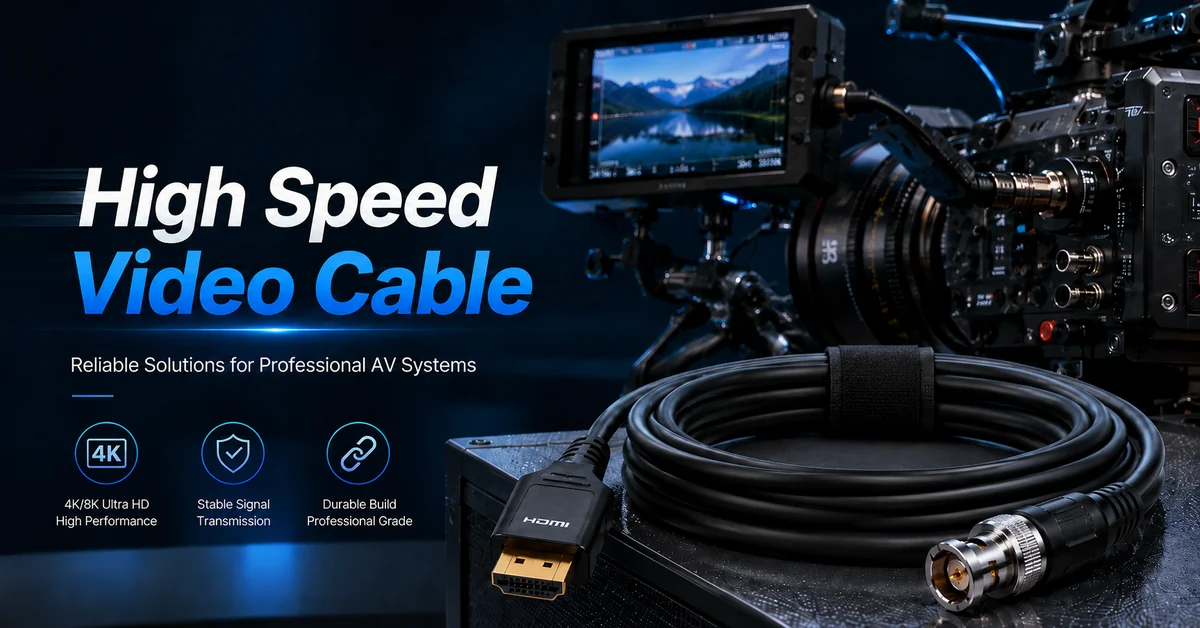
An HDMI 2.1 cable is built to support much higher data speeds than older HDMI versions. It can handle up to 48 Gbps of bandwidth, which allows for advanced features such as:
-
8K resolution at 60Hz
-
4K resolution at up to 120Hz
-
Dynamic HDR
-
Variable Refresh Rate (VRR)
-
Enhanced Audio Return Channel (eARC)
In simple terms, HDMI 2.1 cables are designed for smoother video, better audio, and future-ready devices. They are commonly used with modern TVs, gaming consoles, streaming devices, and sound systems.
If you’re wondering what is HDMI 2.1 cable used for, the answer is straightforward: it ensures your devices can communicate at full performance without visual glitches or audio dropouts.
Common Problem: 8K HDMI Cable Not Working
One of the most common complaints users face is an 8K HDMI cable not working, even after buying what they believe is an HDMI 2.1 cable.
There are a few common reasons for this:
Cable Does Not Meet HDMI 2.1 Specs
Not all cables labeled “8K” actually support full HDMI 2.1 bandwidth. A true HDMI 2.1 cable should be labeled Ultra High Speed HDMI Cable.
Device or Port Limitations
Even with the right cable, your TV or console may not support 8K or high refresh rates on every HDMI port. Some TVs only have one HDMI 2.1 port.
Software and Settings
Outdated firmware or incorrect settings can prevent HDMI 2.1 features from activating. Always check for system updates and enable advanced HDMI features in your TV settings.
If your 8K HDMI cable not working, start by confirming that all three components—cable, source device, and display—support HDMI 2.1.
How to Spot a Fake HDMI 2.1 Cable
The popularity of HDMI 2.1 has also led to a rise in fake HDMI 2.1 cables. These cables may look convincing but fail to deliver the required bandwidth.
Signs of a Fake HDMI 2.1 Cable:
-
No Ultra High Speed certification label
-
Missing QR code or hologram
-
Very low price compared to similar cables
-
Inconsistent performance (flickering, signal loss, color issues)
A fake HDMI 2.1 cable may work at lower resolutions but fail when switching to 4K 120Hz or 8K. To avoid problems, always check packaging details and buy from trusted retailers.
TV Not Supporting HDMI 2.1: What Happens?
Another common issue is the TV not supporting HDMI 2.1, which limits what your cable can do.
If your TV does not support HDMI 2.1:
-
Resolution may be limited to 4K 60Hz
-
VRR and ALLM may not work
-
eARC audio features may be unavailable
Many TVs released before 2020 only support HDMI 2.0, even if they are labeled as “4K” or “HDR.” To confirm compatibility, check your TV’s specifications or HDMI port labels.
Using an HDMI 2.1 cable with a TV not supporting HDMI 2.1 won’t cause harm—it simply means advanced features won’t activate.
When Is HDMI 2.1 Worth Upgrading?
You may benefit from upgrading to HDMI 2.1 if:
-
You use a PS5, Xbox Series X, or high-end gaming PC
-
Your TV supports 4K 120Hz or 8K
-
You use a soundbar or receiver that relies on eARC
-
You want smoother gaming with reduced input lag
For casual streaming or older TVs, HDMI 2.0 may still be sufficient. Understanding what is HDMI 2.1 cable helps you decide whether the upgrade makes sense for your setup.
Final Thoughts
HDMI 2.1 cables are designed for today’s high-performance video and audio needs, but they only work as intended when every part of your system supports the standard. Issues like an 8K HDMI cable not working, fake HDMI 2.1 cables, or a TV not supporting HDMI 2.1 are more common than many users realize.
By knowing what to look for and how to check compatibility, you can avoid unnecessary frustration and get the best performance from your home entertainment setup.